3. Select a programme
21
Selecting extra options
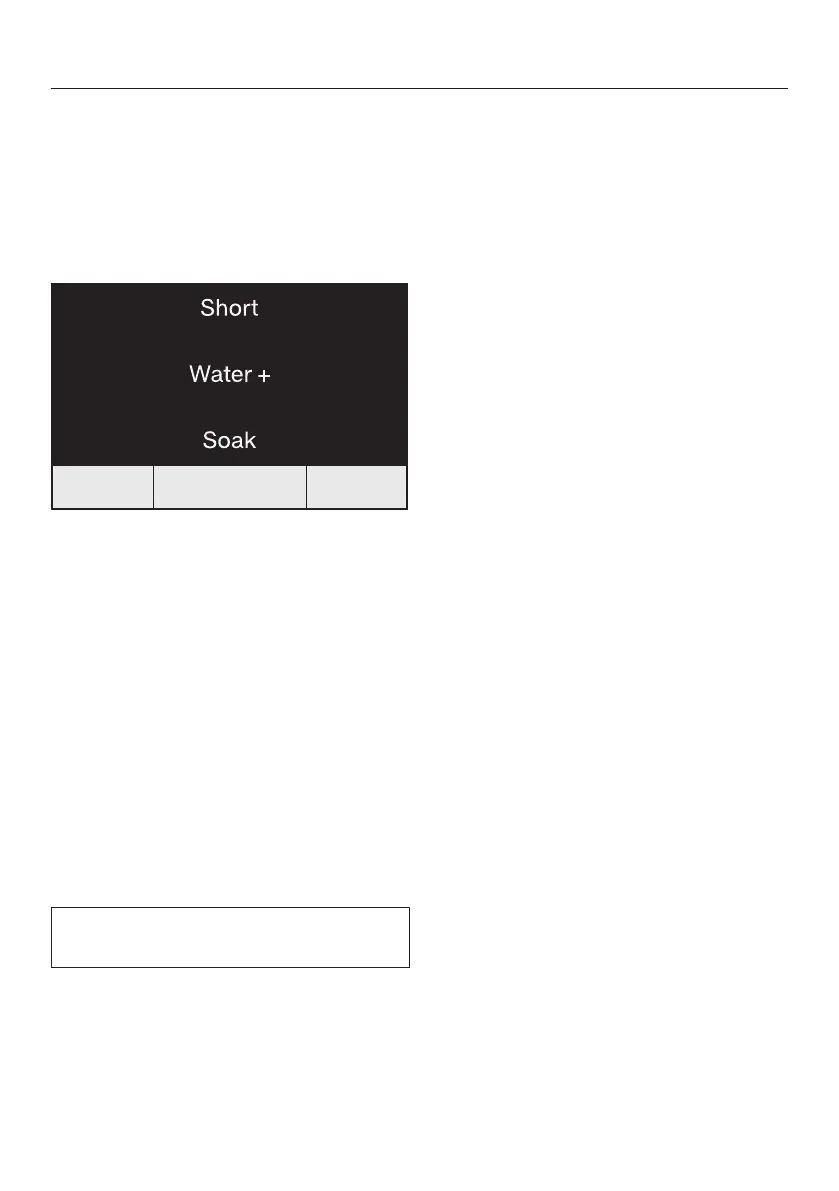
In some programmes, you can combine
2extra options.
In other programmes, you can only
select 1extra option or there are no
available extra options.
Touch the sensor control:
- Once: the Short extra option is
selected and lights up.
- 2times: the Water + extra option is
selected and lights up.
- 3times: the Soak extra option is
selected and lights up.
- 4times: the Short and Water + extra
options are selected and light up.
- 5times: the Water + and Soak extra
options are selected and light up.
- 6times: all the extra options are
switched off.
Please refer to “Extra options” for
more information.



 To Next Page