Level 0~10 are available to meet your need.
Minimum Shutter is the same as Maximum Exposure Time. Set the minimum
Shutter to 1~1/100000s
Maximum Shutter is the same as Maximum Exposure Time. Set the maximum
Shutter to 1~1/100000s
The interval time of switching one mode to another.
Turn on or turn off IR-CUT.
Choose to turn on or turn off under this mode.
LED off: Turn off all the LEDs on the device;
IR LED on: Turn on the IR LED;
Select B/W or Color mode under Day/Night mode.
By this you can customize your special demands for different time, then the Day
mode and Night mode will switch automatically according to your settings.
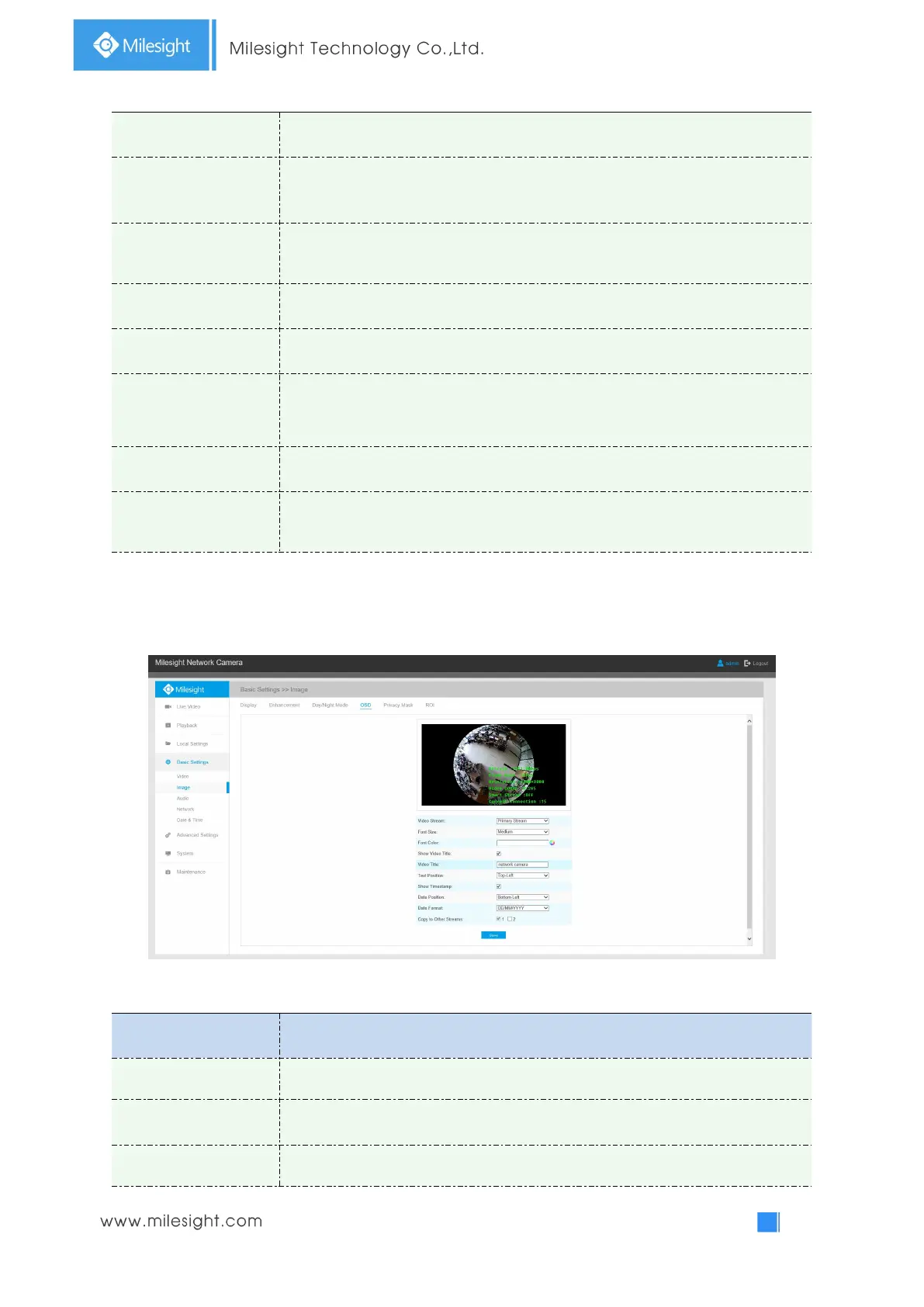
OSD(On Screen Display)
Table 4-4-5 Description of the buttons
Enable to set OSD for primary stream and secondary stream
Smallest/Small/Medium/Large/Largest/Auto are available for title and date
Enable to set different color for title and date



 To Next Page