Check the checkbox to show video title
Customize the OSD content
OSD display position on the image
Check the checkbox to display date on the image
Date display position on the image
Copy the settings to other streams
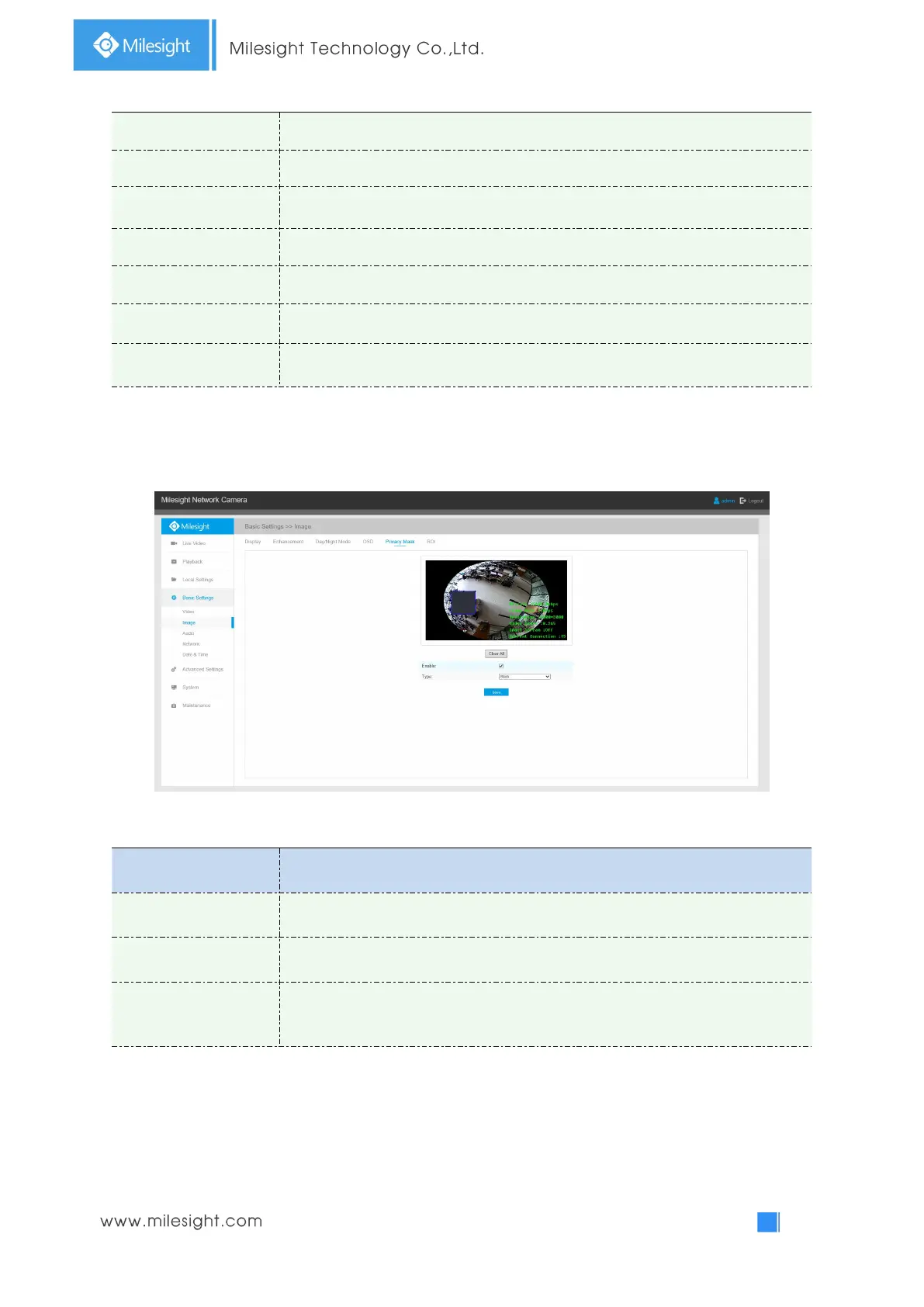
Privacy Mask
Table 4-4-6 Description of the buttons
Check the checkbox to enable the Privacy Mask function
Clear all areas you drew before
Select the color to use for the privacy areas, there are eight colors available:
White, Black, Blue, Yellow, Green, Brown, Red and Violet
Note:
You can only set the Privacy Mask area on Fisheye View channel.



 To Next Page