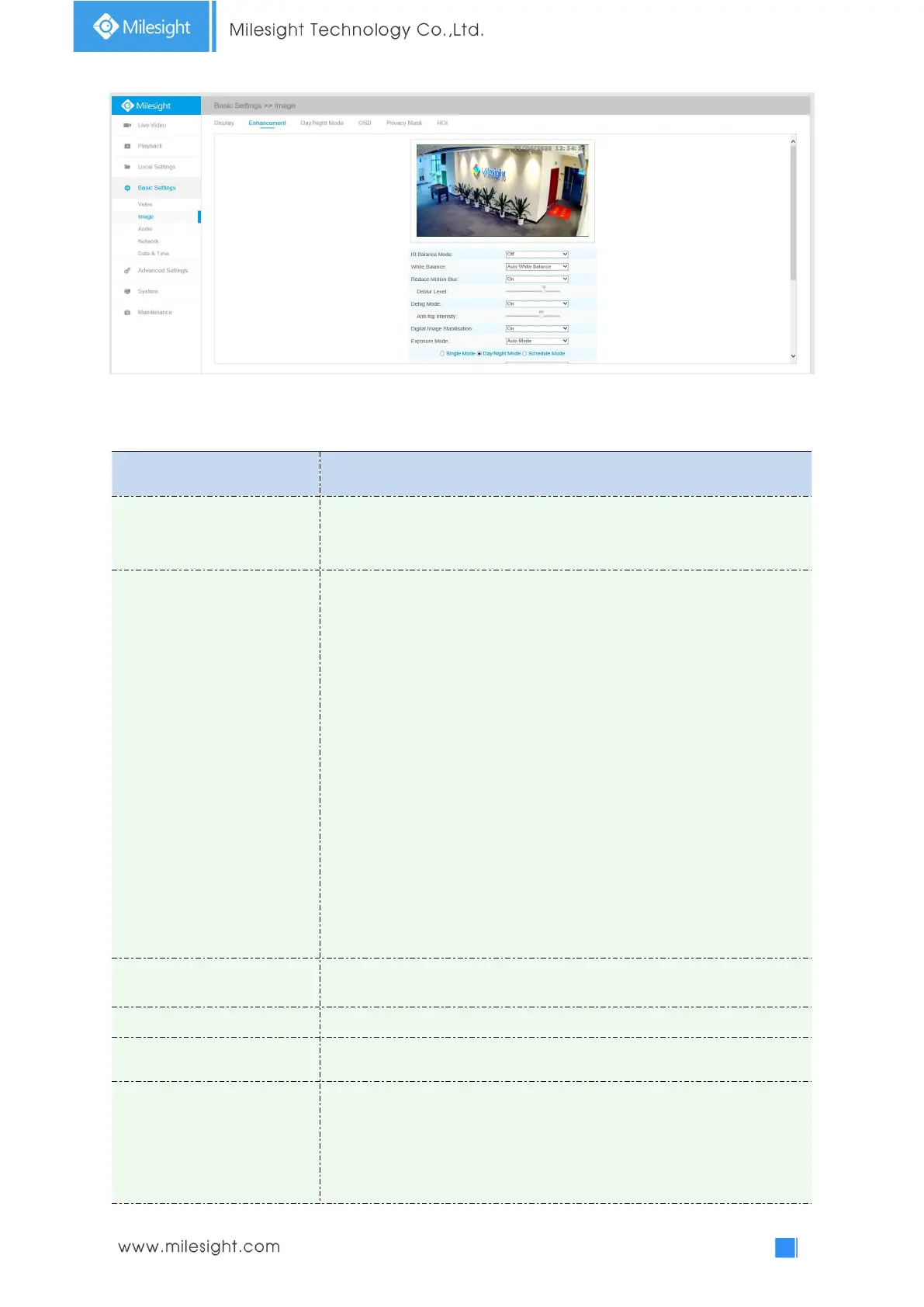
Enhancement
Table 4-4-3 Description of the buttons
There is an option to turn On/Off the IR LED.
IR Balance Mode would avoid the problem of overexposure and darkness,
and the IR LED will change according to the actual illumination.
To restore white objects, removed color distortion caused by the light of
the environment
Auto White Balance: This option will automatically enable the White
Balance function
Manual White Balance: This option is only for H.265 series. Set Red Gain
Level and Blue Gain Level manually.
Incandescent Lamp: Select this option when light is similar with
incandescent lamp
Warm Light Lamp: Select this option when light is similar with warm light
lamp
Natural Light: Select this option when there is no other light but natural
light
Fluorescent Lamp: Select this option when light is similar with Fluorescent
Lamp
Schedule mode: Select this option that you can customize the schedule to
enable/disable above modes
Enable this function to reduce the motion blur of objects effectively.
You can adjust the deblur level from 1 to 100.
Better image effect in foggy weather, refers to Figure 4-4-10
Digital Image Stabilisation
Decrease the blur and shakiness of the image.
Auto Mode, Manual Mode and Schedule Mode are available.
Auto Mode: The camera will adjust the brightness according to the light
environment automatically;
Manual Mode: The camera will adjust the brightness according to the
value you set, you can set the exposure time from 1~1/100000s, the higher











 To Next Page