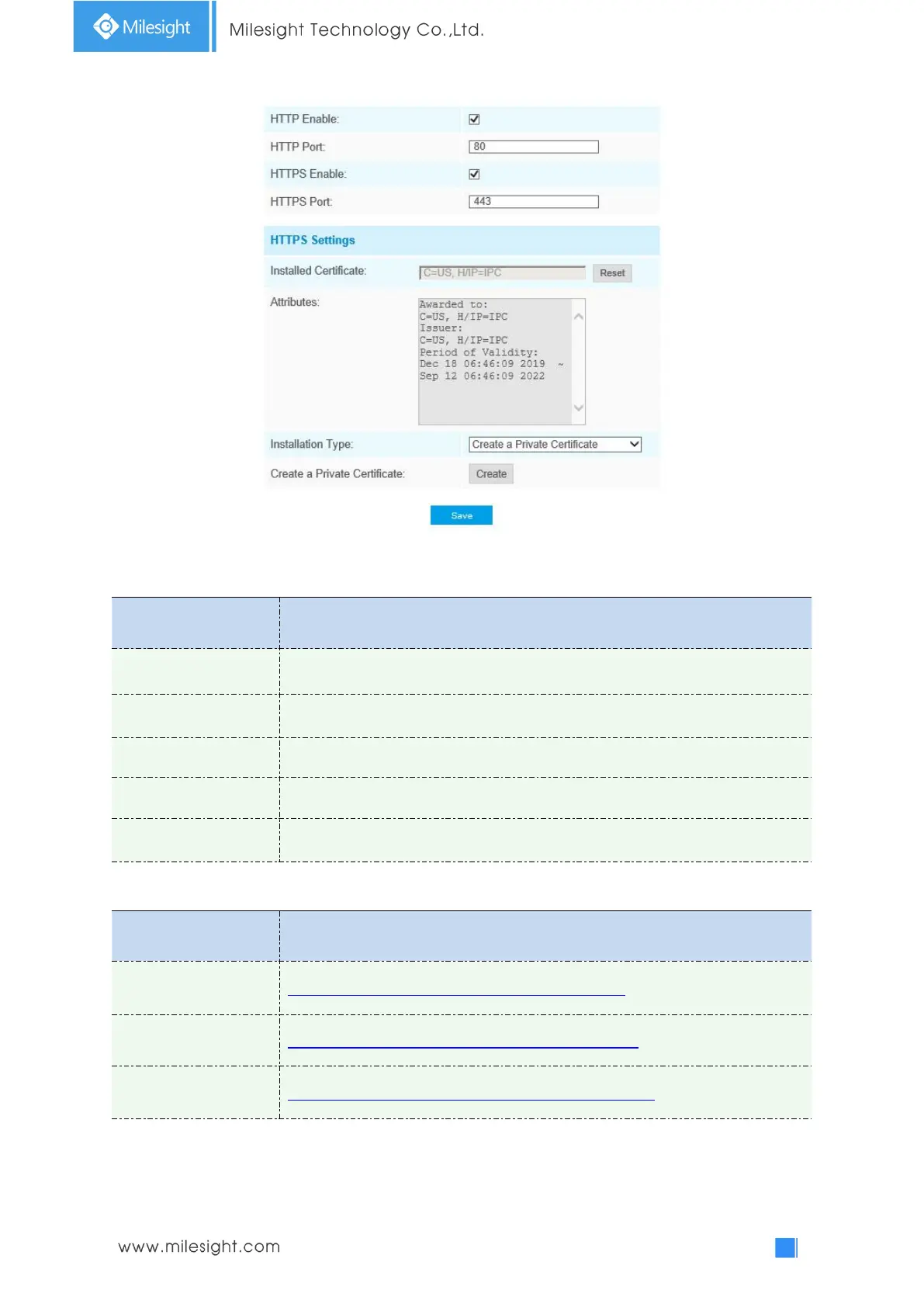
Table 4-4-10 Description of the buttons
Web GUI login port, the default is 80, the same with ONVIF port
Start or stop using HTTPS
Web GUI login port via HTTPS, the default is 443
Upload and set the SSL certificate .
HTTP URL are as below:
http://username:password@IP:port/ipcam/mjpeg.cgi
http://username:password@IP:port/ipcam/mjpegcif.cgi
http://username:password@IP:port/ipcam/mjpegthird.cgi
Note:
You need to change the codec type of streams to MJPEG except the main stream of H.264
cameras whose models with “-A”.











 To Next Page