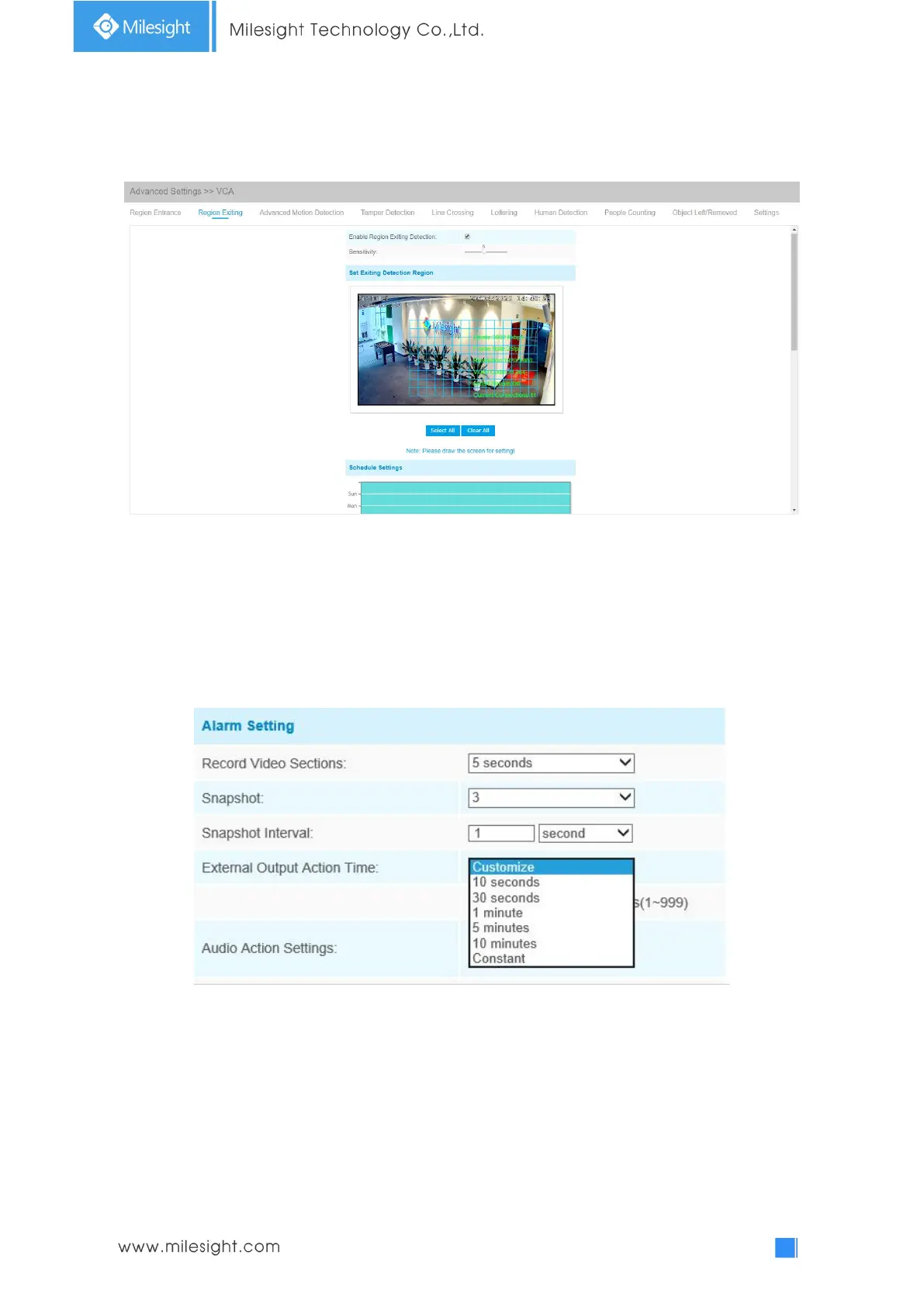
Region Exiting
Region exiting is to make sure that any person or object won't exit the area that is being monitored.
Any exit of people or objects will trigger an alarm.
Step1: Set detecting sensitivity;
Step2: Set exiting detection region;
Step3: Set detection schedule;
Step4: Set alarm action;
Step5: Set alarm settings. If you enable External Output and choose Constant External Output
Action Time, when objects exit the selected regions, External Output Action alarm time will be
always constant till the alarm is released.
Advanced Motion Detection
Different from traditional motion detection, Milesight advanced motion detection can filter out
“noise” such as lighting changes, natural tree movements, etc. When an object moves in the
selected area, it will trigger alarm.











 To Next Page