Note:
Milesight allows to set up to four lines at a time. There are three direction modes to choose for
triggering alarm. “A→B” means when there is any object crossing the line from the “A” side to the
“B” side, the alarm will be triggered. “B→A” vice versa. “A ↔ B” means that the alarm will be
triggered when objects cross line from either side.
Loitering
When objects are loitering in a defined area for a specific period of time, it would trigger an alarm.
Step1: Set minimum loitering time;
Step2: Set loitering detection region;
Step3: Set detection schedule;
Step4: Set alarm action;
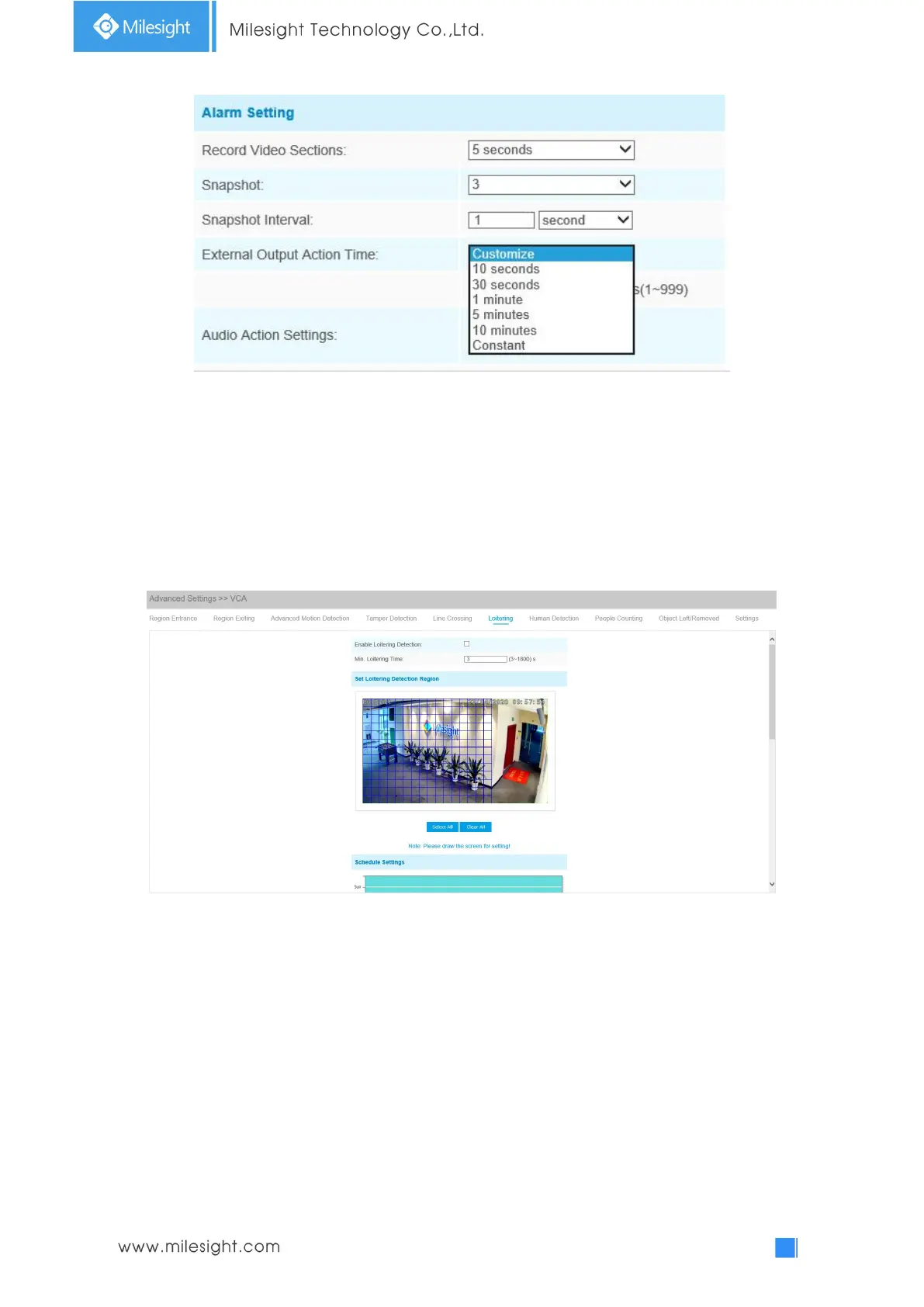
Step5: Set alarm settings. If you enable External Output and choose Constant External Output
Action Time, when objects loiter in the selected regions, External Output Action alarm time will be
always constant till the alarm is released.











 To Next Page