Note:
After setting minimum loitering time from 3s to 1800s, any objects loitering in the selected area
over the minimum loitering time will trigger the alarm.
Human Detection
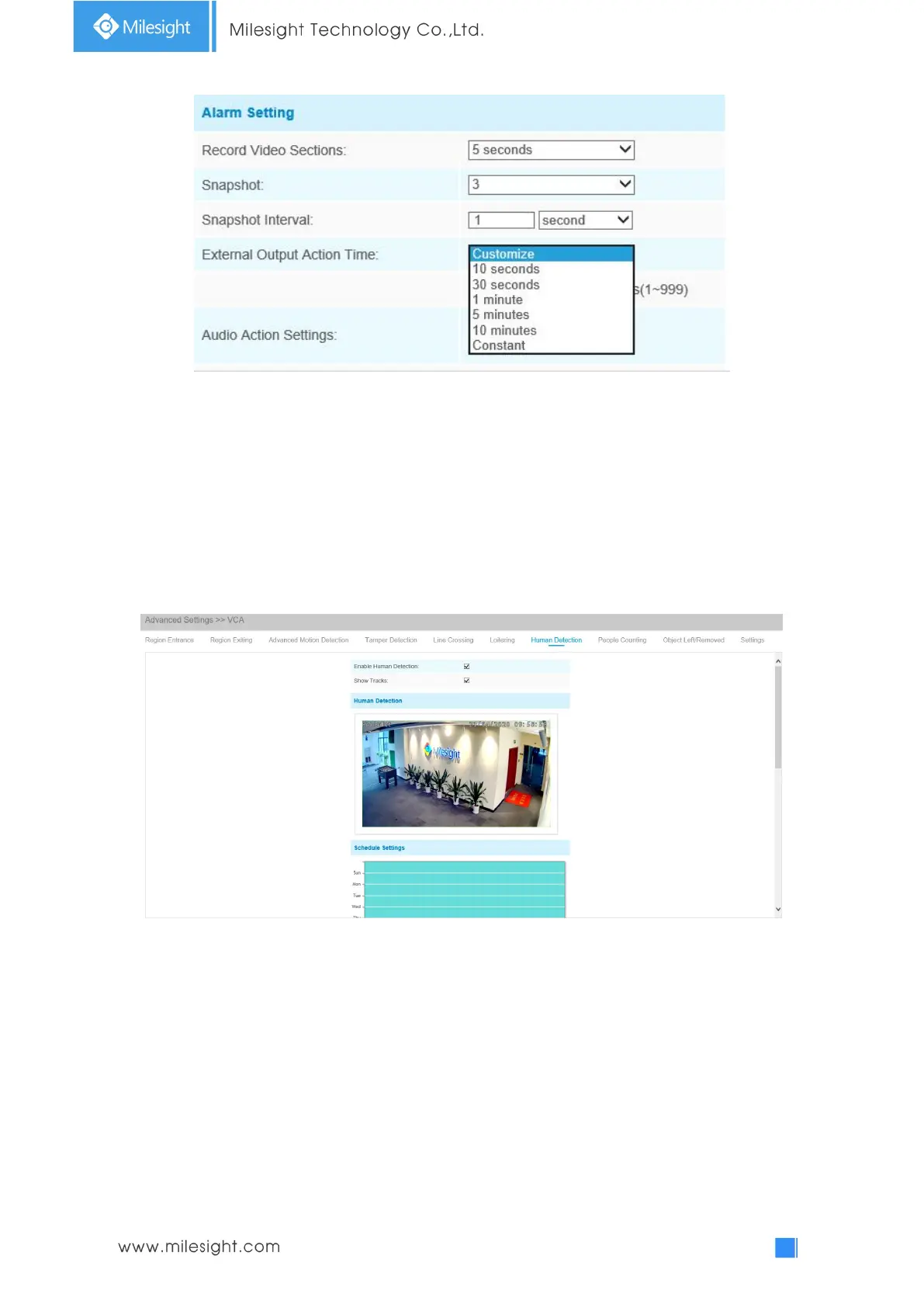
Human detection is used for figuring out whether an object is a human or not. Once human
detection is enabled, when there is an object appearing in the detecting area, an ID will show on
the frame. If the object is a person, it will mark as “person”. When the Show Tracks is enabled, the
tracks of the moving object will show on the screen.
Step1: Enable Human Detection;
Step2: Check Show Tracks;
Step3: Set schedule settings;
Step4: Set alarm action.
Step5: Set alarm settings. If you enable External Output and choose Constant External Output
Action Time, when detected object is marked as “person”, External Output Action alarm time will
be always constant till the alarm is released.











 To Next Page