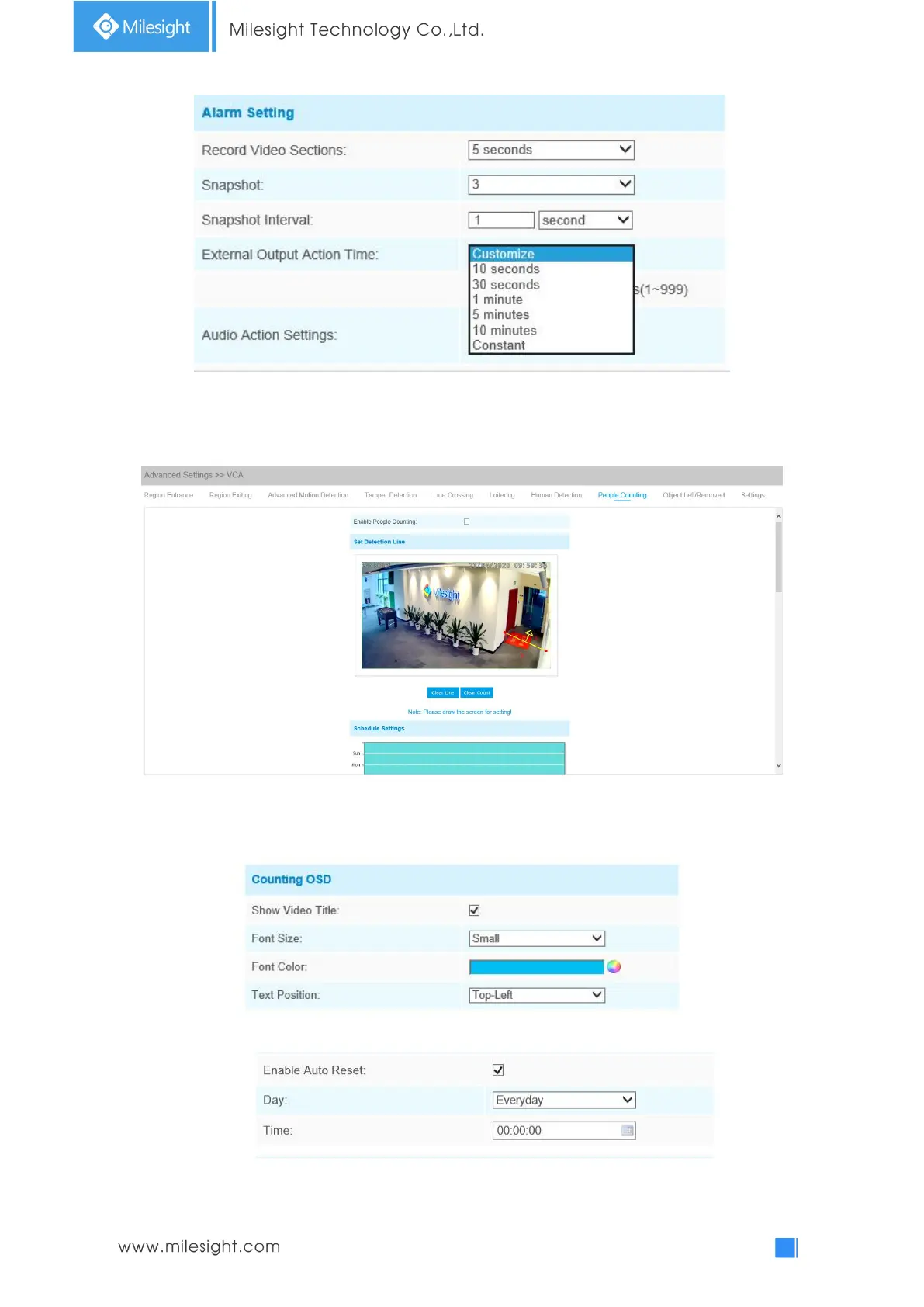
People Counting
People counting is able to count that how many people enter or exit during the setting period.
Step1: Set detection line;
Step2: Set detection schedule;
Step3: Set counting OSD;
The OSD of the people counting support automatic zeroing;
Step4: Click “Edit” to check the counting logs, the data log can be exported to FTP/ SMTP/ Storage
automatically as an Excel spreadsheet according to the time interval and range you set;











 To Next Page