EasyManua.ls Logo

Miller Dialarc 250 AC/DC - User Manual

Miller Dialarc 250 AC/DC
36 pages
Print Icon
To Next Page IconTo Next Page
Loading...
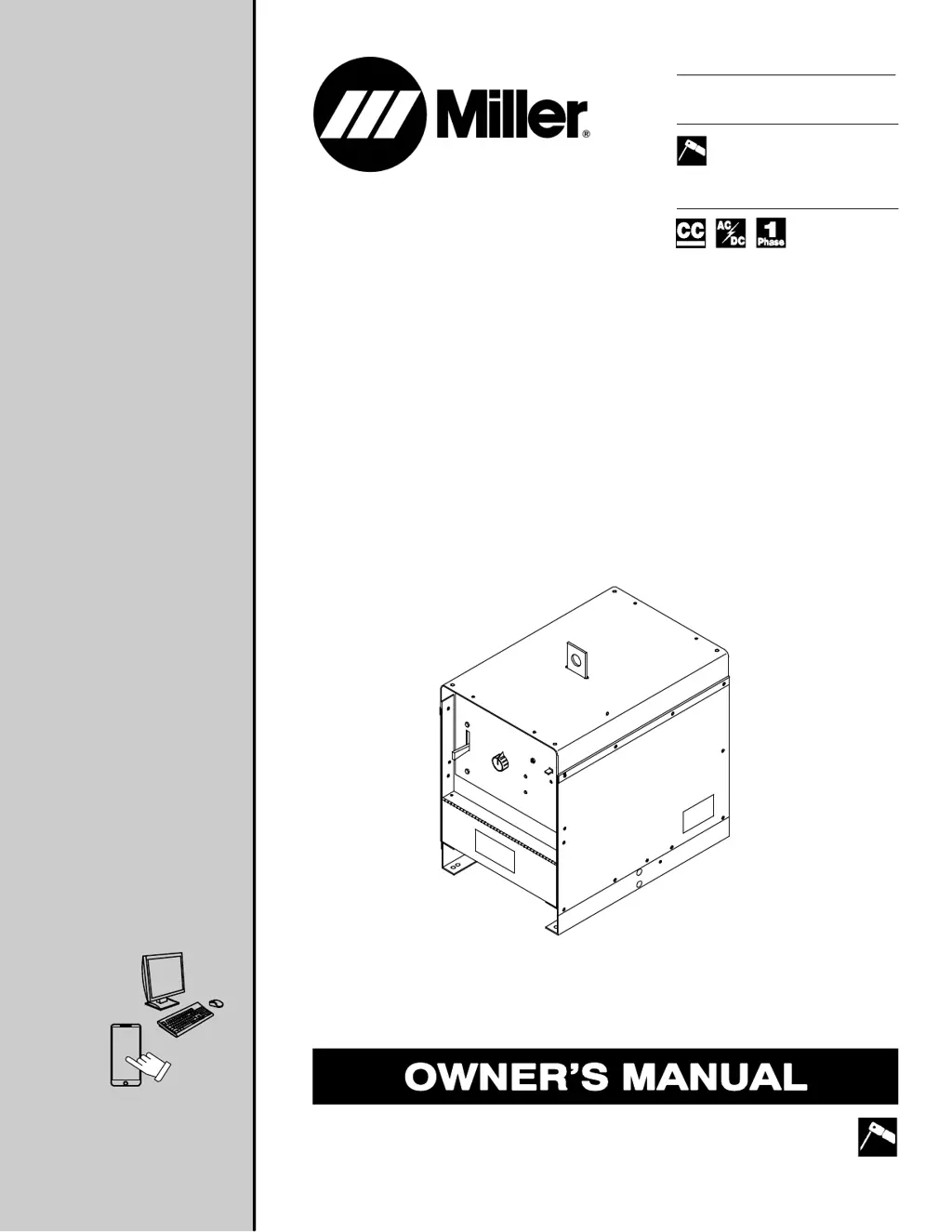
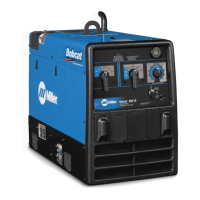
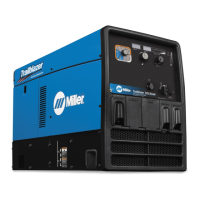
Dialarc 250/250P AC/DC
Processes
Description
R
Stick (SMAW) Welding
Arc Welding Power Source
OM-321 202730R
2016−09
File: Stick (SMAW)
For product information,
Owner’s Manual translations,
and more, visit
www.MillerWelds.com

Questions and Answers

  • P
    Phillip TuckerAug 13, 2025
    How to fix no weld output on my Miller Dialarc 250 AC/DC Welding System?
    • B
      brandon33Aug 14, 2025
      To resolve the issue of no weld output on your Miller Welding System: * Ensure the Power switch is in the On position. * Confirm the line disconnect switch is in the On position. * Inspect the line fuses; replace them if they are open, or reset the circuit breakers. * Verify proper input connections. * Check for the correct jumper link position.
  • J
    Jeffrey BrownAug 17, 2025
    Why is the weld output erratic on my Miller Dialarc 250 AC/DC Welding System?
    • A
      Alyssa JohnsonAug 17, 2025
      If you're experiencing erratic or improper weld output with your Miller Welding System, consider the following: 1. Ensure you are using the correct size and type of weld cable. 2. Thoroughly clean and tighten all weld connections. 3. Make sure the electrode is dry and of the appropriate type for SMAW. 4. Inspect the connections at the input terminal board TE1.
  • A
    Amanda HarrisonAug 21, 2025
    What to do if the fan motor FM does not run on Miller Dialarc 250 AC/DC?
    • J
      James EdwardsAug 21, 2025
      If the fan motor (FM) isn't running on your Miller Welding System: * Check the line fuses and replace any that are open, or reset the circuit breakers. * Inspect the fan blade and clear any obstructions. * Have a Factory Authorized Service Agent check the fan motor.
  • M
    Megan TaylorAug 26, 2025
    What to do if Miller AC Power Distribution has no weld output?
    • D
      David GonzalezAug 26, 2025
      If there is no weld output from your Miller AC Power Distribution, verify that the Power switch is in the On position. Also, ensure that the line disconnect switch is in the On position. Check the line fuses and replace them if they are open, or reset the circuit breakers. Confirm that the input connections and jumper link position are correct.
  • H
    howardcampbellAug 28, 2025
    Why is the weld output erratic on my Miller AC Power Distribution?
    • P
      Phillip LewisAug 28, 2025
      Erratic or improper weld output from your Miller AC Power Distribution can be caused by several factors. Ensure you are using the correct size and type of weld cable. Clean and tighten all weld connections. Make sure the electrode is dry and is the proper type for SMAW. Also, check the connections at the input terminal board TE1.
  • A
    Angel BaldwinSep 1, 2025
    What causes low weld output on Miller AC Power Distribution?
    • D
      David YoungSep 1, 2025
      Low weld output in your Miller AC Power Distribution can occur due to several reasons. First, check that the input connections and jumper link positions are correct. Second, ensure you are using the appropriate size and type of weld cable. Finally, clean and tighten all weld connections to ensure proper conductivity.
  • M
    Matthew GreenSep 5, 2025
    What to do if the fan motor FM does not run on Miller AC Power Distribution?
    • J
      Joshua CarterSep 5, 2025
      If the fan motor FM on your Miller AC Power Distribution is not running, first check the line fuses and replace them if open, or reset the circuit breakers. Also, check the fan blade and clear any blockage. If the issue persists, have a Factory Authorized Service Agent check the fan motor.
  • A
    Aaron MitchellSep 8, 2025
    What to do if amperage adjustment control does not control weld output on Miller AC Power Distribution?
    • S
      Samuel HowardSep 8, 2025
      If the amperage adjustment control does not control the weld output on your Miller AC Power Distribution, reset the control circuit overload breaker CB1.

Summary

Section 1: Safety Precautions

Arc Welding Hazards

Details risks like electric shock, fumes, arc rays, fire, noise, EMF, and cylinder safety.

Additional Safety Precautions

Section 3: Definitions

Section 4: Installation

Specifications

Provides electrical input and output specifications for different models and voltages.

Duty Cycle and Overheating

Volt-Ampere Curves

Selecting A Location

Selecting Cable Sizes

Connecting Weld Output Cables

Connecting To Weld Output Terminals

Electrical Service Guide

Placing Jumper Links

Connecting Input Power

Connecting 3-Phase Input Power

Section 5: Operation

Controls

Describes the function of the Range Selector, Amperage Adjustment, Circuit Breaker, and Power Switch.

Section 6: Maintenance & Troubleshooting

Troubleshooting

Provides a table of common issues and their remedies for weld output and fan motor.

Troubleshooting Continued

Low Weld Output and GTAW Specifics

Addresses issues with low weld output control and GTAW output current discrepancies.

Section 7: Electrical Diagrams

Warranty Information

Service and Support Information

Miller Dialarc 250 AC/DC Specifications

General IconGeneral
Frequency60 Hz
Open Circuit Voltage80 V
ProcessTIG, Stick
Duty Cycle (DC)60% at 250 A
Phase1/3
Welding Amperage Range35-300 A

Related product manuals