EasyManua.ls Logo

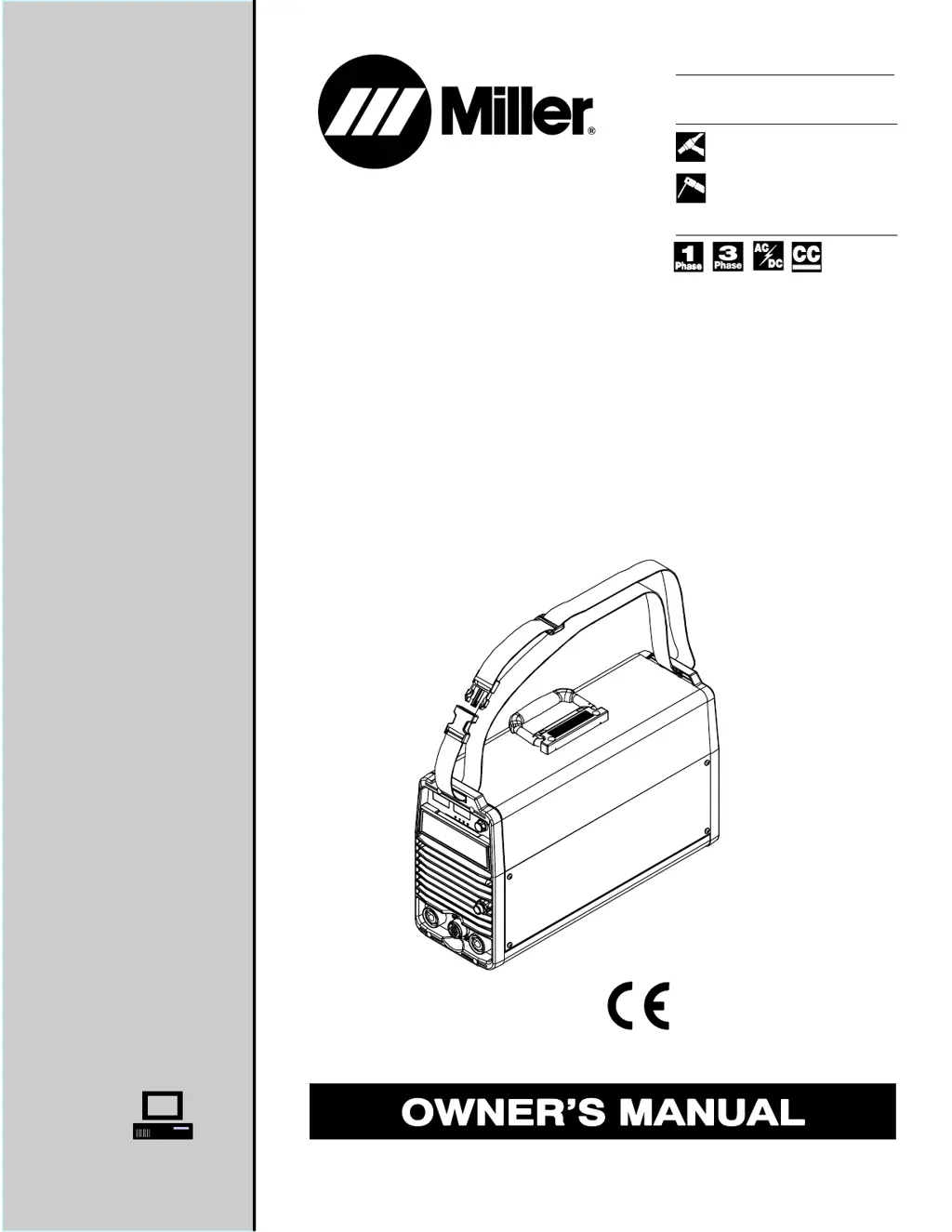
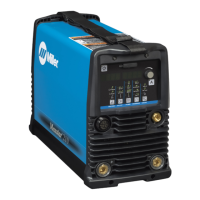
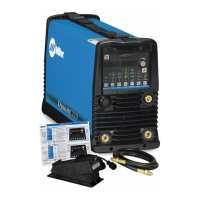
Miller DYNASTY 200 SD - User Manual

Miller DYNASTY 200 SD
92 pages
Print Icon
To Next Page IconTo Next Page
Loading...
Visit our website at
www.MillerWelds.com
Processes
Description
TIG (GTAW) Welding
Stick (SMAW) Welding
OM-2240 207688K
March 2005
115/230/400/460 Volt Models W/AutolineR
Arc Welding Power Source
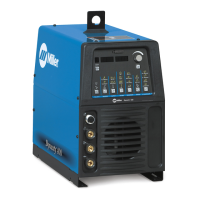
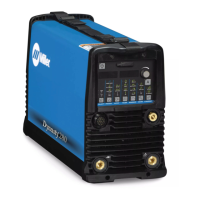
Dynasty 200 SD And DX
R
And Non-CE Models

Table of Contents

Questions and Answers

  • P
    Priscilla ColemanAug 9, 2025
    How to fix a Miller DYNASTY 200 SD with no weld output and completely inoperative?
    • T
      Tiffany BrownAug 9, 2025
      If your Miller Welding System isn't providing any weld output and is completely inoperative, start by ensuring the line disconnect switch is in the On position. Then, check the line fuses and replace them if necessary, or reset the circuit breaker. Lastly, verify that the input power connections are properly connected.
  • R
    Rickey SanchezAug 16, 2025
    What to do if my Miller Welding System has no weld output but the meter display is on?
    • K
      Karen RamirezAug 16, 2025
      If your Miller Welding System shows a meter display but no weld output, several factors could be at play. If you're using a remote control, ensure the correct process is enabled to allow output control at the Remote 14 receptacle. Check the input voltage to ensure it's within the acceptable range. Inspect, repair, or replace the remote control if necessary. Also, the unit may have overheated; in that case, allow it to cool down with the fan running.
  • R
    Rachel RoseAug 25, 2025
    Why is the weld output erratic or improper on my Miller DYNASTY 200 SD?
    • M
      Michael GoldenAug 25, 2025
      Erratic or improper weld output from your Miller Welding System can often be resolved by ensuring you are using the correct size and type of weld cable. Additionally, make sure to clean and tighten all weld connections to ensure a stable and consistent weld.
  • Y
    Yolanda ShepardAug 31, 2025
    What to do if the fan is not operating on my Miller Welding System?
    • C
      Chad DuncanAug 31, 2025
      If the fan on your Miller Welding System is not operating, first check for any obstructions that may be blocking its movement and remove them. If the fan is still not working, have a Factory Authorized Service Agent inspect the fan motor.

Summary

SECTION 1 - SAFETY PRECAUTIONS

Safety Precautions and Symbol Definitions

Overview of safety symbols, arc welding hazards, and required precautions.

SECTION 3 - DEFINITIONS (CE Models)

Warning Label Definitions

Explains the meaning of various warning symbols and labels found on the equipment.

SECTION 4 - INSTALLATION

Electrical Service Guide

Recommendations for input voltage, fuse ratings, conductor size, and length.

SECTION 5 - OPERATION

Control Panel Layout and Functions

Overview of the front panel controls, including switch pads, encoder, and displays.

Amperage, Display, and Polarity Controls

Details on setting amperage, understanding meters, and controlling polarity.

SECTION 6 - ADVANCED FUNCTIONS

Programmable TIG Start Parameters

Setting and adjusting parameters for TIG arc starting, including polarity, amperage, and time.

Lockout Functions

Configuring lockout levels and setting a lockout number to restrict parameter adjustments.

SECTION 7 - MAINTENANCE AND TROUBLESHOOTING

Troubleshooting Common Issues

Guidance on diagnosing and resolving common welding problems and unit malfunctions.

SECTION 9 - HIGH FREQUENCY (HF)

SECTION 10 - TUNGSTEN ELECTRODE

SECTION 11 - TIG WELDING (GTAW) GUIDELINES

SECTION 12 - STICK WELDING (SMAW) GUIDELINES

Troubleshooting Stick Welding Issues

Diagnosing and correcting common problems like porosity, spatter, fusion, and distortion.

True Blue Warranty Information

Miller DYNASTY 200 SD Specifications

General IconGeneral
BrandMiller
ModelDYNASTY 200 SD
CategoryWelding System
LanguageEnglish

Related product manuals