EasyManua.ls Logo

Miller DYNASTY DX - User Manual

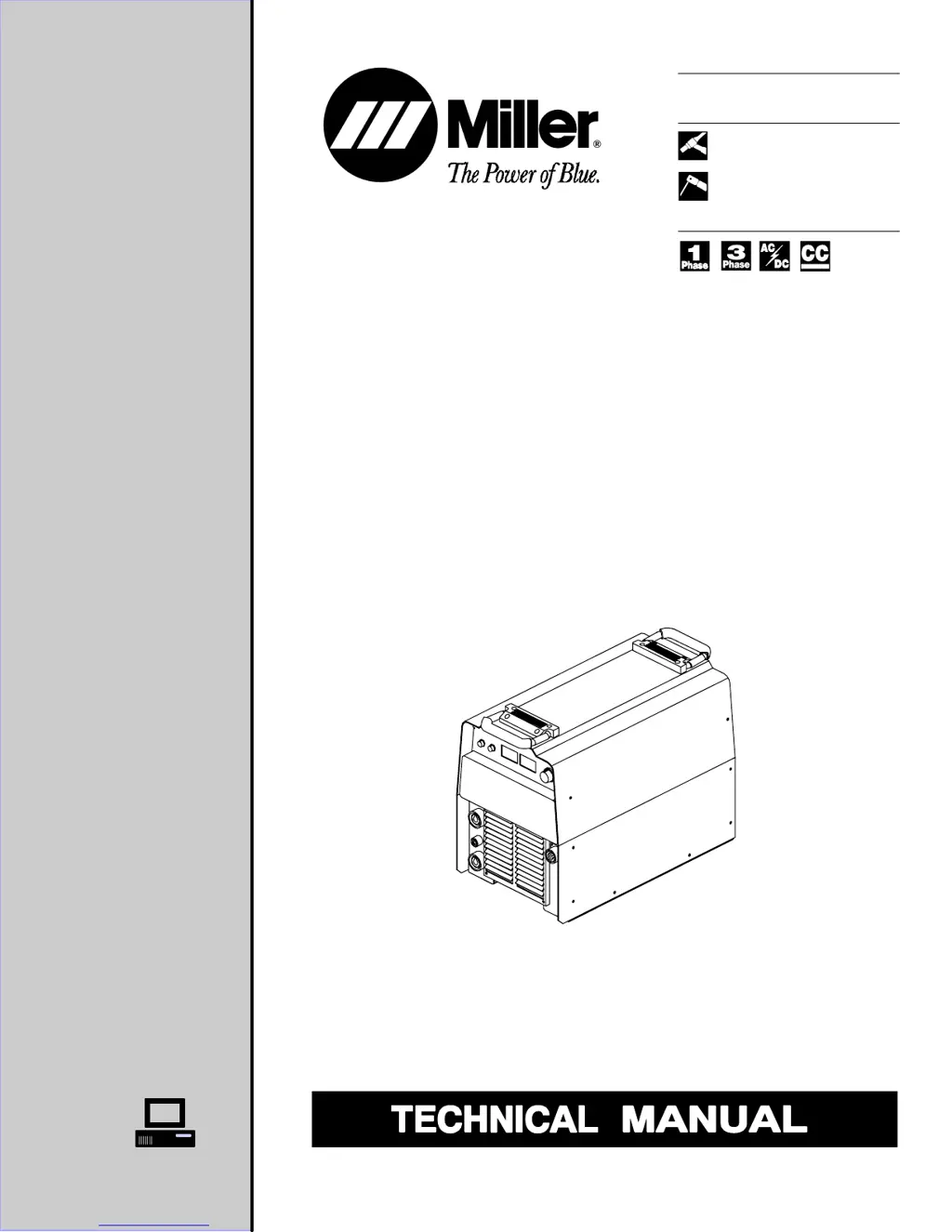
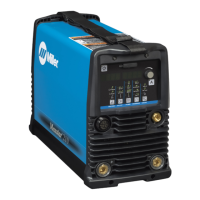
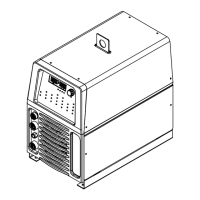
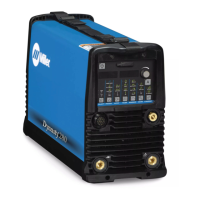
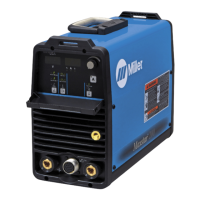
Miller DYNASTY DX
80 pages
Print Icon
To Next Page IconTo Next Page
Loading...
TM-357A June 1999
Eff. w/Serial Number KH384382
Processes
Description
TIG (GTAW) Welding
Stick (SMAW) Welding
Arc Welding Power Source
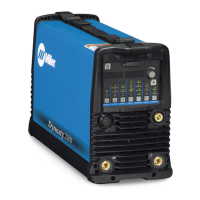
Dynasty DX
With Auto-Link
Visit our website at
www.MillerWelds.com

Table of Contents

Questions and Answers

  • R
    Rachel RoweJul 27, 2025
    How to fix a Miller Welding System with no weld output and completely inoperative?
    • R
      Robert MorganJul 27, 2025
      If your Miller Welding System is completely inoperative with no weld output, start by ensuring the line disconnect switch is in the On position. Then, check and replace the line fuses if necessary, or reset the circuit breaker. Verify that the input power connections are properly connected. After that, check the continuity of the power switch S1 and replace it if needed. Finally, inspect the control transformer T2 for any signs of winding failure, check the continuity across the windings and verify proper connections, and check the secondary voltages; replace T2 if necessary.
  • H
    hsmithAug 6, 2025
    Why Miller DYNASTY DX has limited output and low open-circuit voltage?
    • N
      nguyenanthonyAug 6, 2025
      If you're experiencing limited output and low open-circuit voltage with your Miller Welding System, verify the incoming power for the correct voltage and replace the line fuses if necessary, or reset the circuit breaker. Ensure proper input and output connections. If you are using remote amperage control, check the position of Amperage Control R5. Check the control board PC1 and its connections, and replace it if necessary. Check the display board PC3 and connections, and replace if necessary.
  • Q
    qcopelandAug 11, 2025
    How to troubleshoot low weld output with no control on a Miller DYNASTY DX Welding System?
    • J
      Jonathan SmithAug 11, 2025
      If your Miller Welding System has low weld output with no control, first check the position of the Amperage Control Switch S2. Check the input and output voltages of hall device HD1, and replace HD1 if necessary. Inspect the control board PC1 and its connections, and replace it if necessary. Inspect the display board PC3 and connections, and replace it if necessary.
  • S
    Stephanie JacobsonAug 16, 2025
    What to do if Miller Welding System has erratic or improper weld output?
    • K
      Karen JacksonAug 16, 2025
      If your Miller Welding System has erratic or improper weld output, make sure you are using the correct size and type of weld cable. Also, ensure that all weld connections are clean and tight.
  • C
    Crystal ColemanAug 21, 2025
    What causes maximum weld output with no control on a Miller DYNASTY DX?
    • D
      dominguezdanaAug 21, 2025
      If your Miller Welding System is giving maximum weld output with no control, check the input and output voltages of hall device HD1 and replace it if necessary. Also, check the control board PC1 and its connections, replacing it if necessary. Finally, check the display board PC3 and its connections, and replace it if necessary.
  • A
    Amanda MahoneyOct 31, 2025
    What to do if there is no weld output on my Miller DYNASTY DX Welding System but the meter display is on?
    • C
      Christine Diaz MDOct 31, 2025
      If your Miller Welding System shows no weld output but the meter display is on, it could be due to several reasons. If you're using a remote control, ensure the Amperage Control Switch S2 is in the Remote 14 position. If the unit has overheated and displays a HELP 3 or HELP 5 screen, allow it to cool down with the fan on. For 230/460 volt models, check the coil voltage and connections of contactors W1 and W2, inspecting the continuity of coils and the condition of contacts; replace W1 and W2 if needed. For 460/575 volt models, perform a similar check on contactor CR1. Also, check the input and output voltages of hall device HD1, and replace it if necessary. Inspect output diodes D1 and D2, and replace them if needed. Check the input integrated rectifier SR1, replacing it if necessary. Veri...

Summary

Safety Precautions for Servicing

Servicing Hazards

Identifies and explains potential hazards during servicing.

Installation Guide

Input Power and Connections

Details cable sizing, receptacles, service guide, and power connection.

Operation Guide

Control Panel and Basic Operation

Covers controls, AC balance, meter function, and output settings.

Pre-Power Checklist

Initial Unit Checks

Covers pre-power checks and input rectifier SR1 testing.

Troubleshooting Guide

Troubleshooting Table and Diagrams

Lists troubles/remedies, circuit diagram, and waveforms for diagnosis.

High Frequency Welding

HF Process Usage and Installation

Explains when HF is needed and proper installation to avoid interference.

Miller DYNASTY DX Specifications

General IconGeneral
BrandMiller
ModelDYNASTY DX
CategoryWelding System
LanguageEnglish

Related product manuals