EasyManua.ls Logo

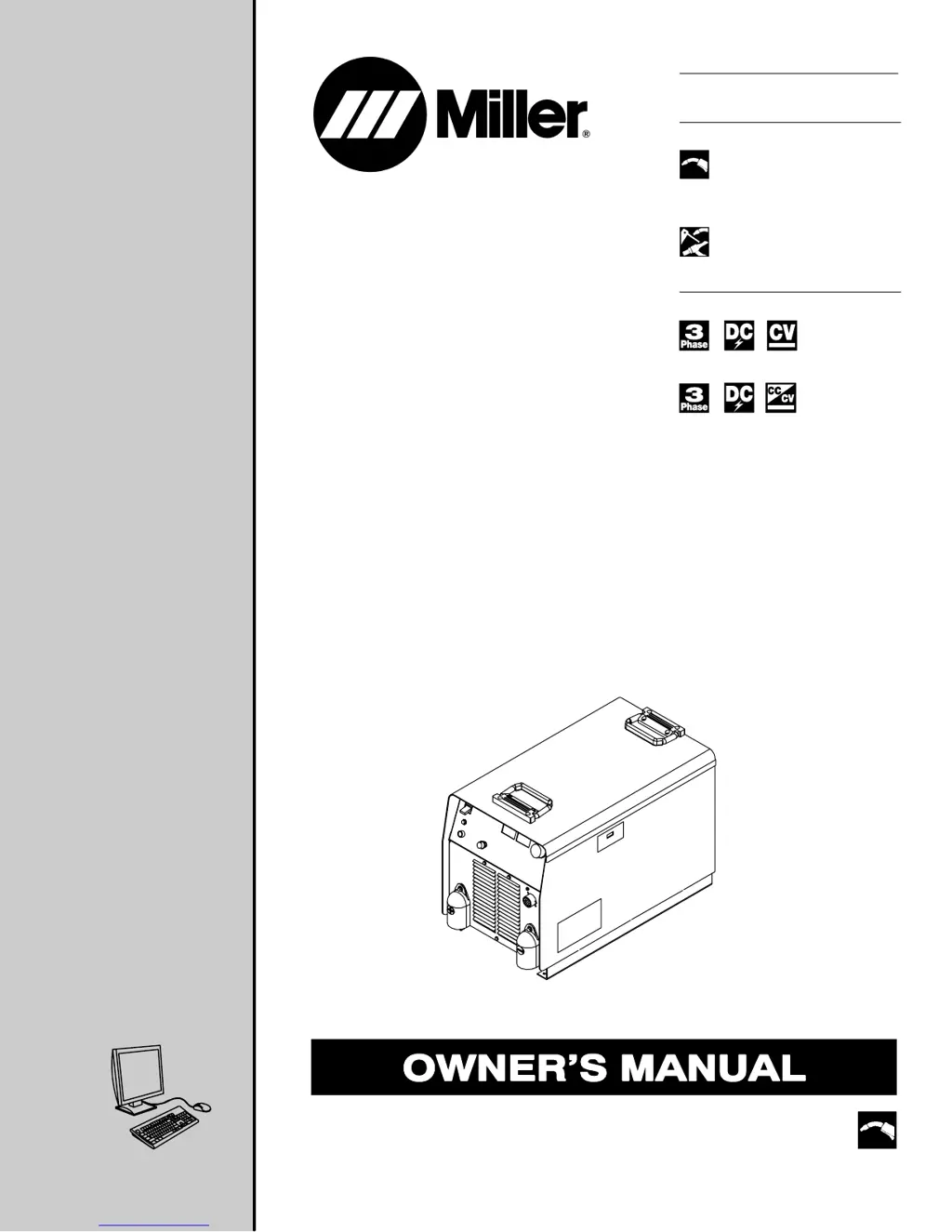
Miller Invision 456P - User Manual

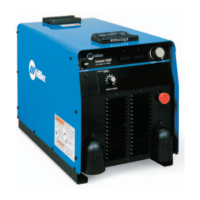
Miller Invision 456P
40 pages
Print Icon
To Next Page IconTo Next Page
Loading...
OM-2232 202 221J
200510
ProcessesProcesses
MIG (GMAW) and Pulsed MIG
(GMAW-P) Welding
Flux Cored (FCAW) Welding
XMT 456 CC/CV:
Multiprocess Welding
Description
Invision 456P:
Invision 456P:
XMT 456 CC/CV:
Invision 456P And
XMT 456 CC/CV
R
R
(230/460 And 575 Volt Models)
File: MIG (GMAW)
Visit our website at
www.MillerWelds.com

Table of Contents

Questions and Answers

  • K
    Kathryn PhillipsAug 1, 2025
    How to fix erratic weld output on a Miller Invision 456P?
    • L
      Lance WeaverAug 1, 2025
      To resolve erratic or improper weld output on your Miller Welding System: * Ensure you are using the correct size and type of weld cable. * Clean and tighten all weld connections.
  • A
    Anthony ClarkeAug 5, 2025
    How to restore 115 volts AC output on Miller Welding System Remote 14 receptacle?
    • S
      Stephanie ZimmermanAug 6, 2025
      To restore 115 volts AC output at the Remote 14 receptacle on your Miller Welding System, reset circuit breaker CB1.
  • J
    Joseph Burke MDAug 11, 2025
    How to restore 24 volts AC output on Miller Invision 456P Welding System Remote 14 receptacle?
    • M
      Mark MartinezAug 11, 2025
      To restore 24 volts AC output at the Remote 14 receptacle on your Miller Welding System, reset circuit breaker CB2.
  • R
    Richard MorrisAug 15, 2025
    What to do if DC voltage remains in Miller Invision 456P Welding System after turning it off?
    • D
      Dawn MontgomeryAug 16, 2025
      To ensure safety when working on the Miller Welding System, always check the voltage as shown to confirm that the input capacitors have discharged before starting any work on the unit. This is because significant DC voltage can remain on the capacitors even after the unit is turned off.
  • J
    Jesse WhiteAug 21, 2025
    What to do if Miller Invision 456P has no weld output but meter display is on?
    • P
      perezjulieAug 21, 2025
      If your Miller Welding System shows the meter display is on, but there's no weld output, consider these steps: * Check, repair, or replace the remote control. * The unit may have overheated; allow it to cool with the fan on. * Check the voltmeter/ammeter Help displays.
  • A
    Aaron RodriguezAug 26, 2025
    What to do if there is no weld output and the Miller Invision 456P is completely inoperative?
    • P
      perkinsandrewAug 26, 2025
      If your Miller Welding System is completely inoperative with no weld output: * Ensure the line disconnect switch is in the On position. * Check and replace the line fuse(s) if necessary, or reset the circuit breaker. * Verify proper input power connections.

Summary

Invision 456 P And XMT 456 CC;CV

Safety Precautions

Arc Welding Hazards

Details potential dangers like electric shock, fumes, and gases during welding.

Installation

Specifications

Outlines key technical specifications like amperage, voltage, and input power.

Duty Cycle and Overheating

Explains duty cycle limits and the risks of overheating the unit.

Weld Output Terminals and Cable Sizing

Details selecting proper weld output terminals and cable sizes for safe operation.

Electrical Service Guide

Provides guidance on input power requirements and service connections.

Operation

Maintenance and Troubleshooting

Routine Maintenance

Outlines recommended maintenance tasks and their frequency.

Measuring Input Capacitor Voltage (230;460 V)

Procedure for safely measuring capacitor voltage after power off.

Measuring Input Capacitor Voltage (575 V)

Procedure for safely measuring capacitor voltage for 575V models.

Voltmeter;Ammeter Help Displays

Explains the meaning of various help codes displayed on the voltmeter/ammeter.

Troubleshooting Guide

Lists common problems and their corresponding remedies for the unit.

True Blue Warranty

Miller Invision 456P Specifications

General IconGeneral
Input Voltage230 V
ProcessesMIG, Flux Cored
Rated Output450 A at 38 VDC
Output Voltage Range10 - 38 V
Wire Feed Speed Range2-15 m/min

Related product manuals