EasyManua.ls Logo

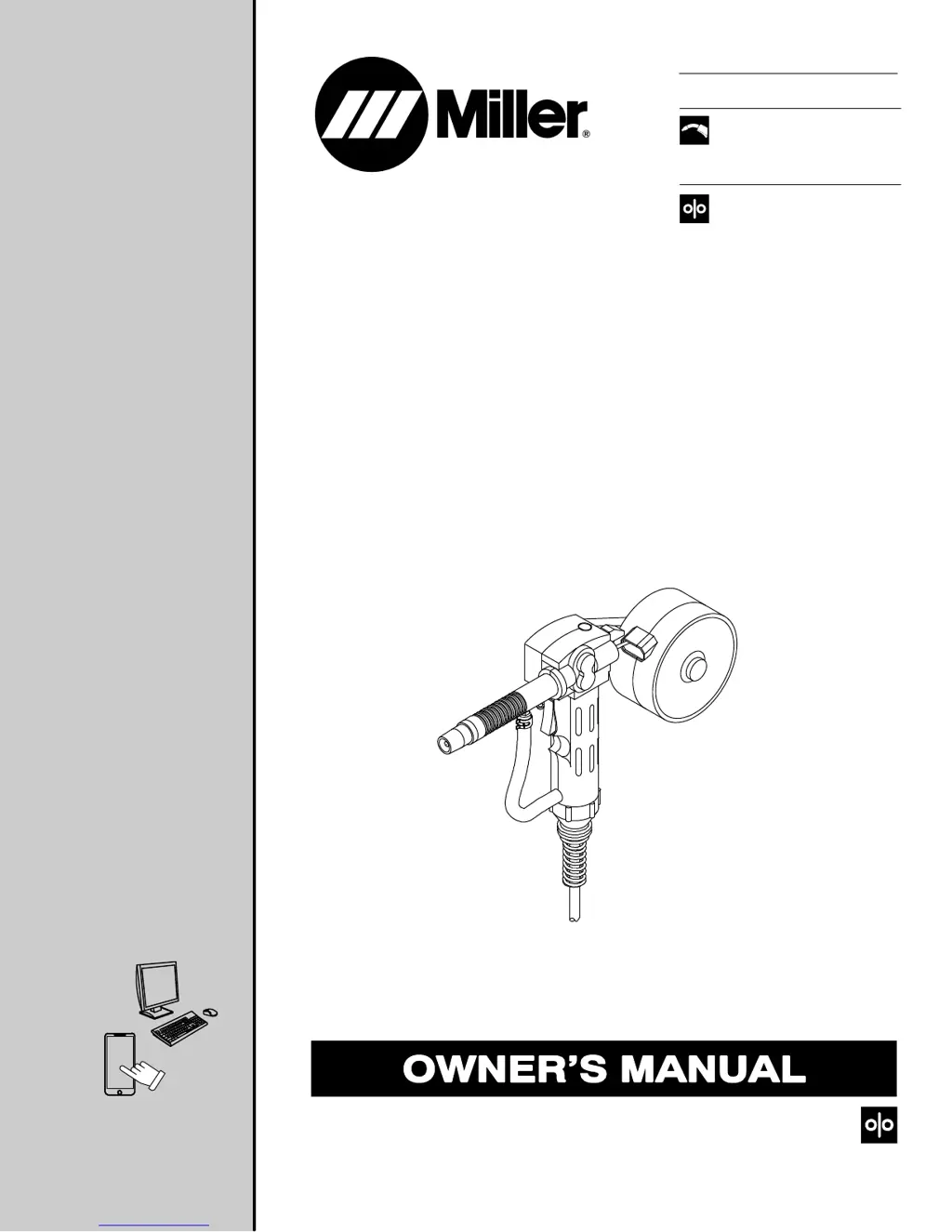
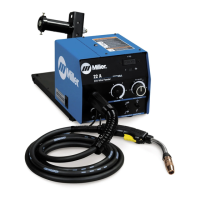
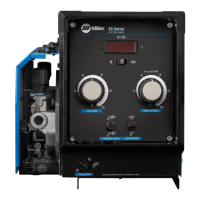
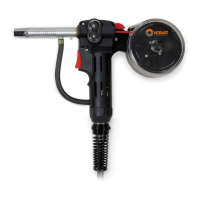
Miller Spoolmate 100 Series - User Manual

Miller Spoolmate 100 Series
68 pages
Print Icon
To Next Page IconTo Next Page
Loading...
OM-234016G 201803
Spoolmate 100 Series
Processes
Description
MIG (GMAW) Welding
Wire Feeder Spool Gun
File: Wire Feeder
For product information,
Owner’s Manual translations,
and more, visit
www.MillerWelds.com
t

Table of Contents

Questions and Answers

  • D
    Deborah JacksonAug 14, 2025
    What to do if wire 'bird nests' with Miller Welding Accessories?
    • A
      Andrew RussellAug 14, 2025
      If the wire is “bird nesting” (piling up) in front of the inlet guide on your Miller gun, check and adjust the drive roll tension. Also, ensure that the drive rolls match the wire diameter. If the contact tip is fouled or plugged, replace it. An oversized tip can sometimes be used, but the inside diameter should only be one size larger than the wire diameter.
  • E
    elizabethbakerAug 17, 2025
    How to prevent melt through with Miller Welding Accessories?
    • J
      James ThompsonAug 17, 2025
      If you're experiencing melt-through due to overheating the base material when using Miller Welding Accessories, increase your travel speed or use sequencing to make shorter welds. Consider using thicker material, changing the joint design, or switching to AC TIG welding process. Also, eliminate or reduce any gaps in the joint.
  • R
    Ronnie TaylorAug 20, 2025
    Why does wire feed erratically with Miller Spoolmate 100 Welding Accessories?
    • M
      Michael BushAug 21, 2025
      If you're experiencing erratic wire feed with your Miller Welding Accessories, the first step is to check and correct the drive roll pressure. If the issue persists, clean or replace the drive roll, and clean or replace the liner.
  • A
    Amy RodriguezAug 25, 2025
    How to prevent wire from burning back to contact tip with Miller Spoolmate 100 Welding Accessories?
    • M
      Mark AndrewsAug 25, 2025
      To prevent wire from burning back to the contact tip during or at the end of the weld when using Miller Welding Accessories, maintain a 3/4 in. (19 mm) tip-to-work distance. Also, verify that the contact tip size, drive rolls, and gun liner match the wire diameter you are using. An oversized tip can sometimes be used, but the inside diameter should only be one size larger than the wire diameter.
  • K
    Kelly JordanAug 27, 2025
    Why are my welds dirty with Miller Spoolmate 100?
    • W
      Wesley CabreraAug 27, 2025
      If you are experiencing dirty welds with your Miller Welding Accessories, try using a push angle instead of a drag technique. Increasing the voltage to get into spray transfer may also help, if your unit's output is capable of this process. Ensure you are using proper base metal cleaning techniques, such as a stainless steel brush, and verify that you have the correct shielding gas and wire alloy type.
  • D
    Deanna HerreraAug 30, 2025
    Why is weld output erratic with Miller Spoolmate 100?
    • G
      Gail HesterAug 30, 2025
      If you're experiencing erratic weld output with your Miller Welding Accessories, begin by tightening and cleaning all connections. Additionally, ensure that you have proper weld output polarity connections.
  • S
    Stephanie Moore MDSep 3, 2025
    How to fix no weld output on Miller Welding Accessories?
    • A
      Ashley TravisSep 3, 2025
      If your Miller Welding Accessories gun/feeder does not work and there is no weld output, ensure the Power switch on the welding power source is in the On position. Also, check the Spool Gun/MIG Gun switch for the correct position.
  • A
    Andrew HollowaySep 6, 2025
    What to do if wire feeds but is not energized with Miller Welding Accessories?
    • R
      Rachel BarrySep 6, 2025
      If the wire feeds and shielding gas flows, but the welding wire is not energized when using Miller Welding Accessories, ensure that the spool gun cable connector is securely connected to the wire drive assembly inside the welding power source. For further troubleshooting, consult the welding power source Owner’s Manual.
  • A
    Amy AllisonSep 9, 2025
    Why doesn't the Miller Spoolmate 100 trigger energize the power source?
    • A
      Angela HernandezSep 9, 2025
      If pressing the gun/feeder trigger does not energize the welding power source, the welding wire is not energized, and shielding gas does not flow when using Miller Welding Accessories, ensure the plug from the gun/feeder trigger cord is securely inserted into the 4-socket receptacle on the welding power source. Also, make sure the Spool Gun/MIG Gun switch is in the correct position for the type of gun you are using.

Summary

Spoolmate 100 Series Owners Manual

From Miller to You

Safety Precautions

Symbol Usage

Explanation of symbols used in the manual for hazards.

Arc Welding Hazards

Details on hazards associated with arc welding and safety measures.

Additional Safety Symbols

Additional safety symbols for installation, operation, and maintenance.

California Proposition 65 Warnings

Warning about chemical exposure, including lead, from the product.

Principal Safety Standards

List of key safety standards relevant to welding equipment.

EMF Information

Information about electromagnetic fields and their potential effects.

Installation

Specifications

Technical specifications for the welding equipment and spool gun.

Removing MIG Gun

Step-by-step instructions for disconnecting the MIG gun.

Connecting Spool Gun to Millermatic 140;180

Procedure for connecting the spool gun to specific Miller models.

Connecting Spool Gun to Millermatic 211 Auto-Set

Procedure for connecting the spool gun to Millermatic 211 Auto-Set.

Connecting Spool Gun to Millermatic Passport Plus

Procedure for connecting the spool gun to Millermatic Passport Plus.

Connecting Spool Gun to Renegade 180

Procedure for connecting the spool gun to Renegade 180.

Connecting Spool Gun to Millermatic 141;190

Procedure for connecting the spool gun to Millermatic 141/190.

Connecting Spool Gun to Millermatic 211

Procedure for connecting the spool gun to Millermatic 211.

Connecting Spool Gun to Multimatic 215

Procedure for connecting the spool gun to Multimatic 215.

Installing Wire Spool and Threading Wire

Steps for installing wire spool and threading welding wire.

Operation

Controls for Millermatic 140;180

Explanation of controls for operating the spool gun with Millermatic 140/180.

Controls for Millermatic 211 Auto-Set

Explanation of controls for operating the spool gun with Millermatic 211 Auto-Set.

Controls for Millermatic Passport Plus

Explanation of controls for operating the spool gun with Millermatic Passport Plus.

Controls for Renegade 180

Explanation of controls for operating the spool gun with Renegade 180.

Controls for Millermatic 141

Explanation of controls for operating the spool gun with Millermatic 141.

Controls for Millermatic 190

Explanation of controls for operating the spool gun with Millermatic 190.

Controls for Millermatic 211

Explanation of controls for operating the spool gun with Millermatic 211.

Controls for Multimatic 215

Explanation of controls for operating the spool gun with Multimatic 215.

Maintenance and Troubleshooting

Routine Maintenance Schedule

Schedule for regular maintenance tasks for the equipment.

Changing Drive Rolls

Procedure for replacing drive rolls in the spool gun.

Changing Liner

Procedure for replacing the gun liner.

Troubleshooting Guide

Table of common problems and their remedies.

Aluminum Welding Hints

Tips for successful MIG welding with aluminum wire.

Electrical Diagrams

Parts List

Warranty Information

Miller Spoolmate 100 Series Specifications

General IconGeneral
TypeSpool Gun
Compatible withAluminum wire
Rated Output135 A at 60% duty cycle
Wire TypeAluminum
Wire Diameter0.030 - 0.035 inches (0.8 - 0.9 mm)
Wire Size0.030 - 0.035 inches (0.8 - 0.9 mm)
Spool Capacity4 in (102 mm)
Compatible Welding MachinesMillermatic 141, Millermatic® 211, Multimatic® 215

Related product manuals