Maintenance
Elix® 20, 35, 70 and 100 43
4-7 HOW TO REPLACE THE QGARD TL1 POLISHER PACK
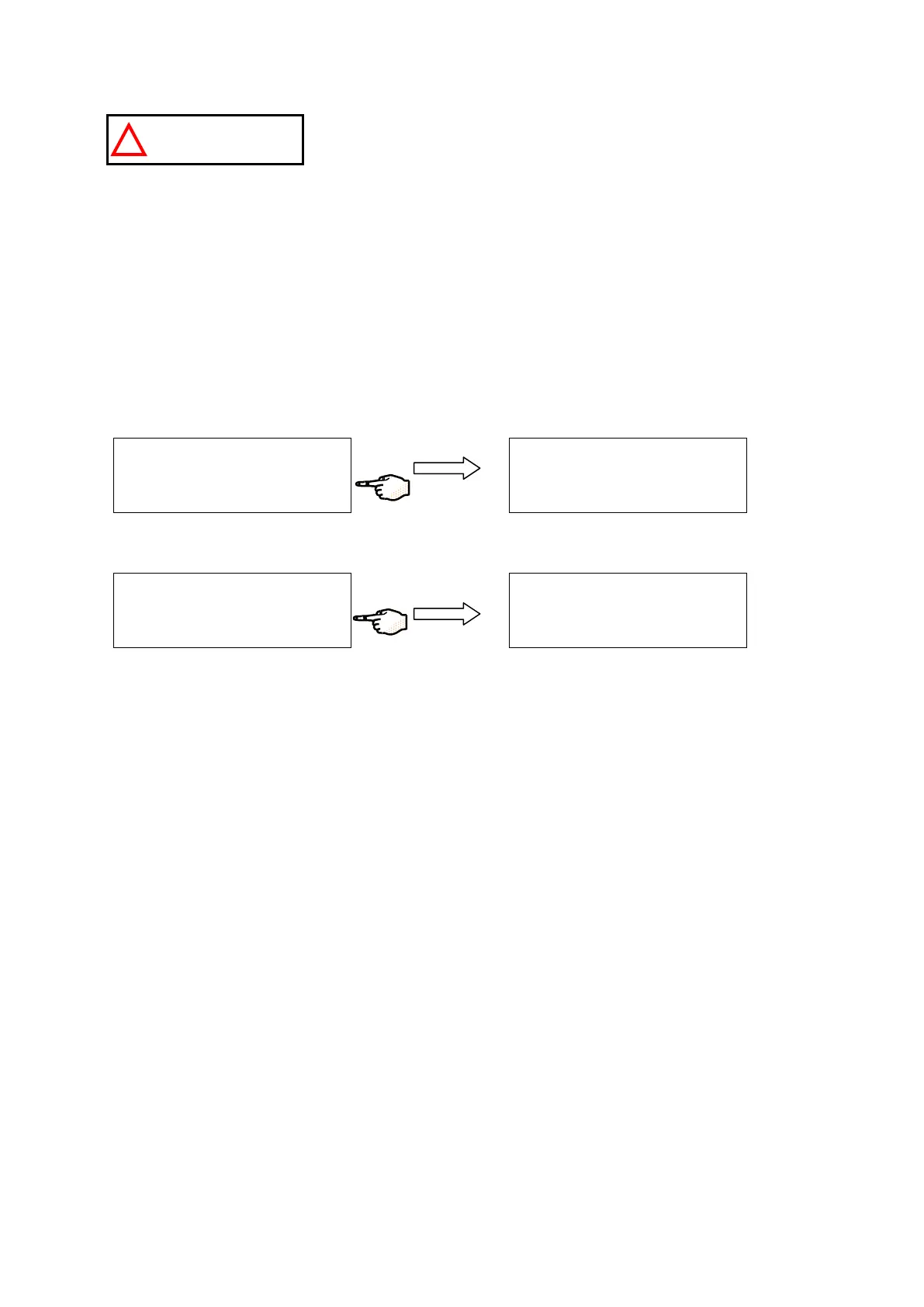
Do not remove the Pack without following the following the software instructions
shown below.
WHEN TO REPLACE THE QGARD TL PACK
A LCD Message “EXCH. QGARD TL: PRODUCT < SETPOINT” is shown to indicate that the QGard TL Pack should be replaced.
This message is shown when the resistivity measured after the QGard is less than the Resistivity Setpoint. This Setpoint is
normally 10.0 MΩ.cm (@ 25 °C). This message is not shown after a specific number of days. A timer is not used for the QGard
TL Pack lifetime.
REMOVING THE USED QGARD TL PACK
Place the Elix System into STANDBY Mode. See Section 3-1 for more information if necessary.
Press the MAINTENANCE Keypad Button.
Press the EXCHANGE POLISHER Keypad Button for a few seconds.
Unlock the Pack by lifting up the clip that holds the QGard TL Pack in place. Gently remove the QGard TL Pack from the Elix
System.
M
A
I N
T E N
A
N
C
E D
A
T
A
E X
C
H
P
R O
G
A R
D
P
A
C
K
E X
C
H
A
N
G
E
P O
L I S
H
E
R
→
S
T A N
D
B
Y
S
E
T U
P
M
A
I N
T E N
A
N
C
E
P
R
O
D
U
C
T I O
N
P
L E A
S
E R
E
O
V
E
Q
G
A
R
D T L
P
O
L I S
H
E
R
P
A
C
K
C
A
N
C
E
L
M
A
I N
T E
N
A
N
C
E D
A T
A
E X
C
H
P R
O
G
A
R
D
P
A C
K
E X
C
H
A
N
G
E
P
O
L I S
H
E
R
→






 To Next Page