Chapter 2. Normal Machine Operation
PELLERIN MILNOR CORPORATION
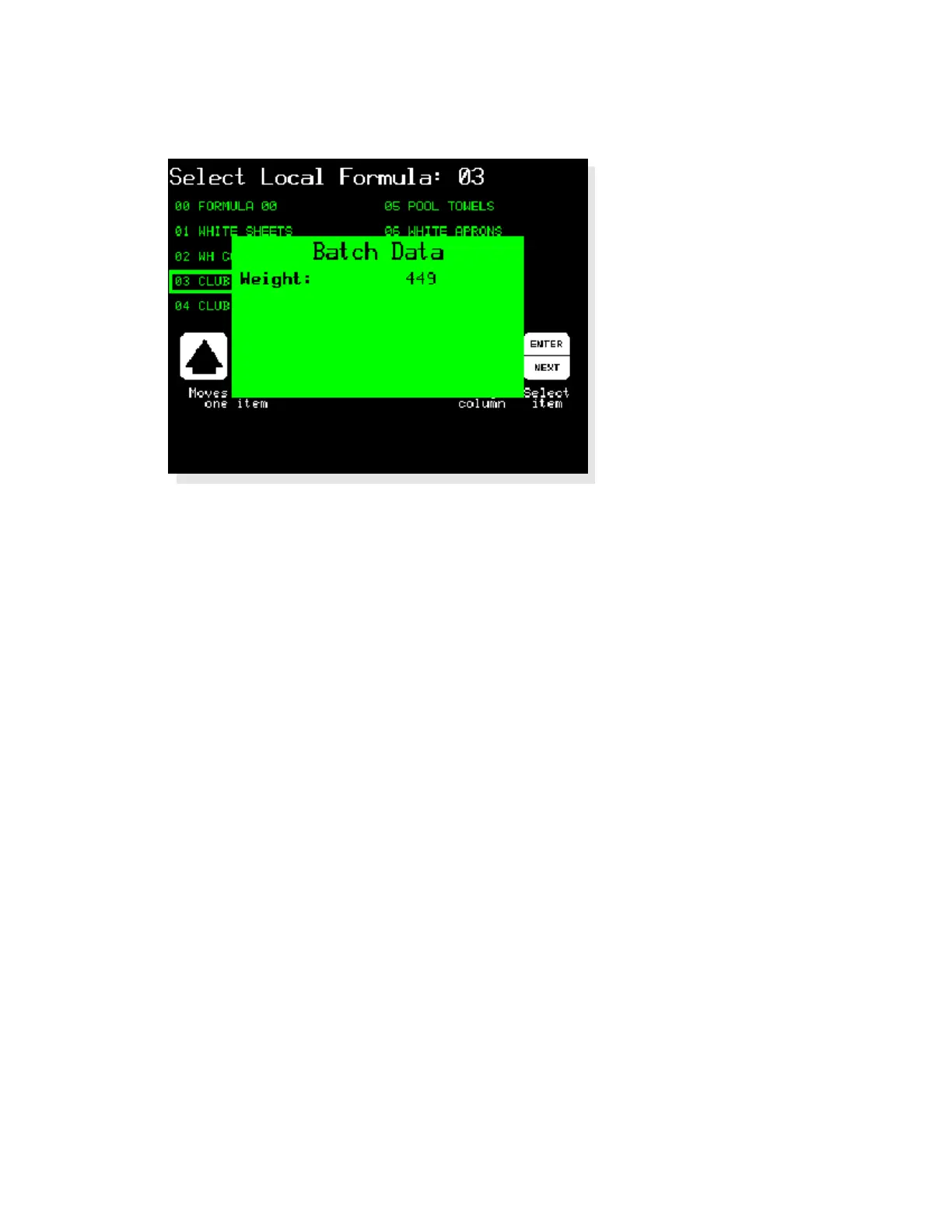
Figure 11: Entering Load Weight for Metered Water
Display or Action Explanation
449
Enter the weight of the goods loaded in the machine. The
machine controller uses the weight to determine how much water
is needed to wash the goods according to the programmed wash
formula.
u
Accept the entered goods weight and continue.
2.1.4.2. Selecting a Mildata Formula—If the machine is part of a Mildata network and the
network is available, you can choose any wash formula stored on the Mildata computer. Use the
Select Remote Formula screen (Figure 12) to choose the best formula for the goods in the
machine.
Note 1: You can store up to 1000 different wash formulas on the Mildata computer. All of these formulas
are available to all washer-extractors that are part of the Mildata network and have compatible hardware.
16



 To Next Page