8
Power on, power off handheld unit and charge battery
Power on handheld unit:
Press the power button
(see Parts of the scanner) for two seconds.
Power off handheld unit:
Press the power button
(see Parts of the scanner) for two seconds.
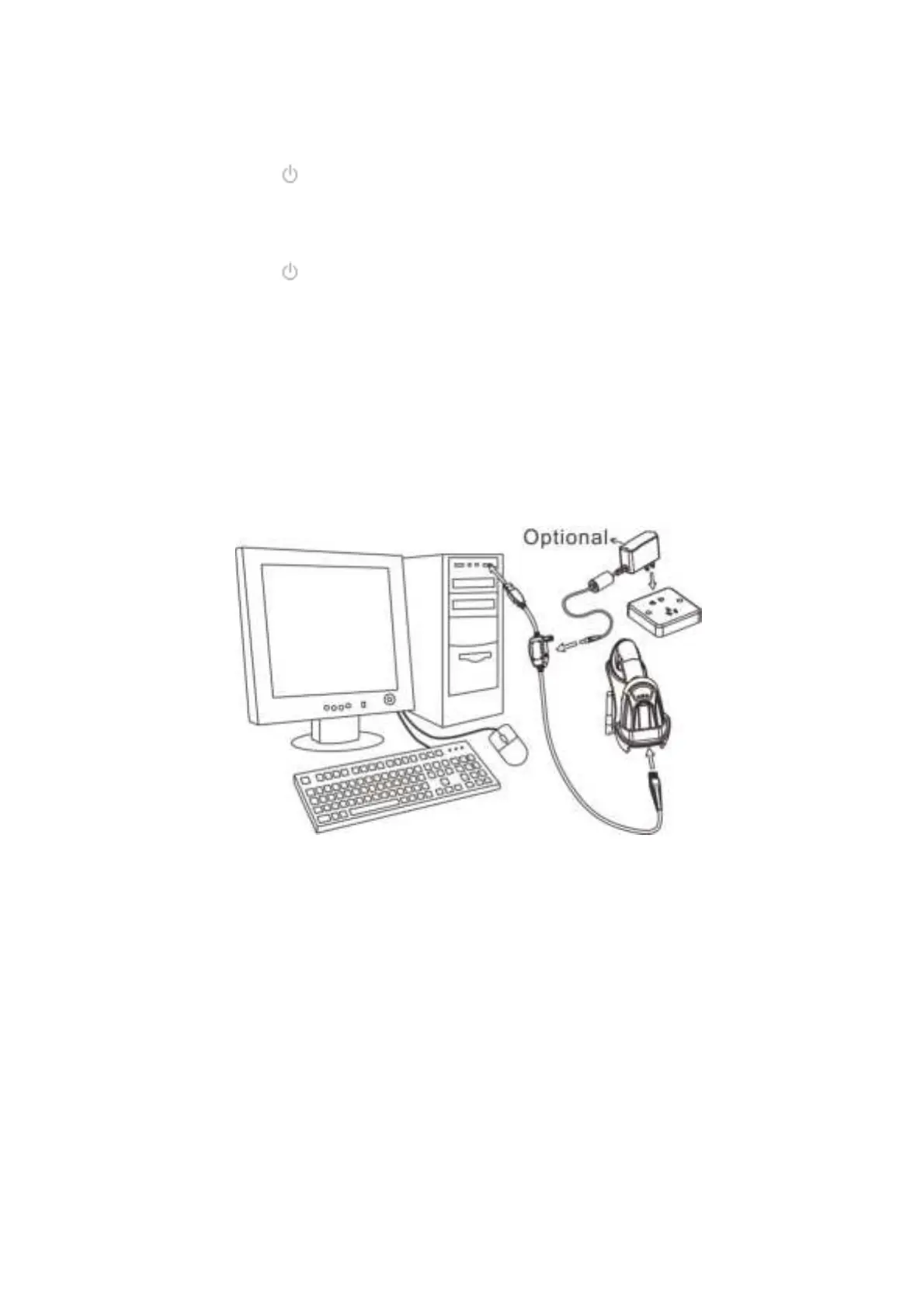
Charge battery:
1. Please charge the battery before the first time of use. The charge indicator (red LED) on the
handheld unit is turned on when the charging is in process. When the charging process completes,
the red LED is turned off.
2. Charging time: 3.5 hours for fully charged.
3. You can charge the battery via a USB port on the device or an optional 5V adapter.



 To Next Page