Troubleshooting Repair Information
2 - 6 0070-10-0634 Panorama® Service Manual
Be
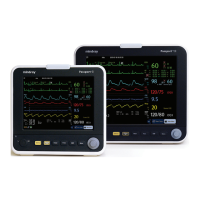
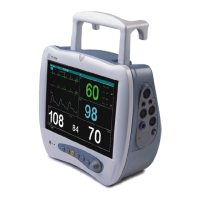
FIGURE 2-1 Bedside Monitor (Wired Network)
Wireless Network (2.4 GHz)
1. Verify that the Radio Icon is displayed on the bedside monitor. The Radio Icon indicates
the Radio Card is being detected by the monitor. See Figure 2-2.
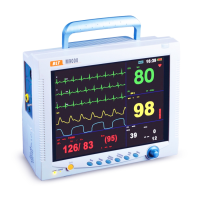
FIGURE 2-2 Bedside Monitor (Wireless)
• If the Radio Icon is not displayed, verify that the bedside monitor is properly
configured for the wireless network.
• If the bedside monitor is configured properly, replace the radio card.
• Verify the LED on the Radio card in the bedside monitor is rapidly flashing. This
indicates the Radio card is transmitting with the Access Point. If the LED is slowly
pulsing in an on/off manner, the Radio card is not communicating with the Access
Point.
V
V



 To Next Page