- 13 -
MINGDA TECHNOLOGY CO.,LTD
www.md-3d.com
4. Model preview
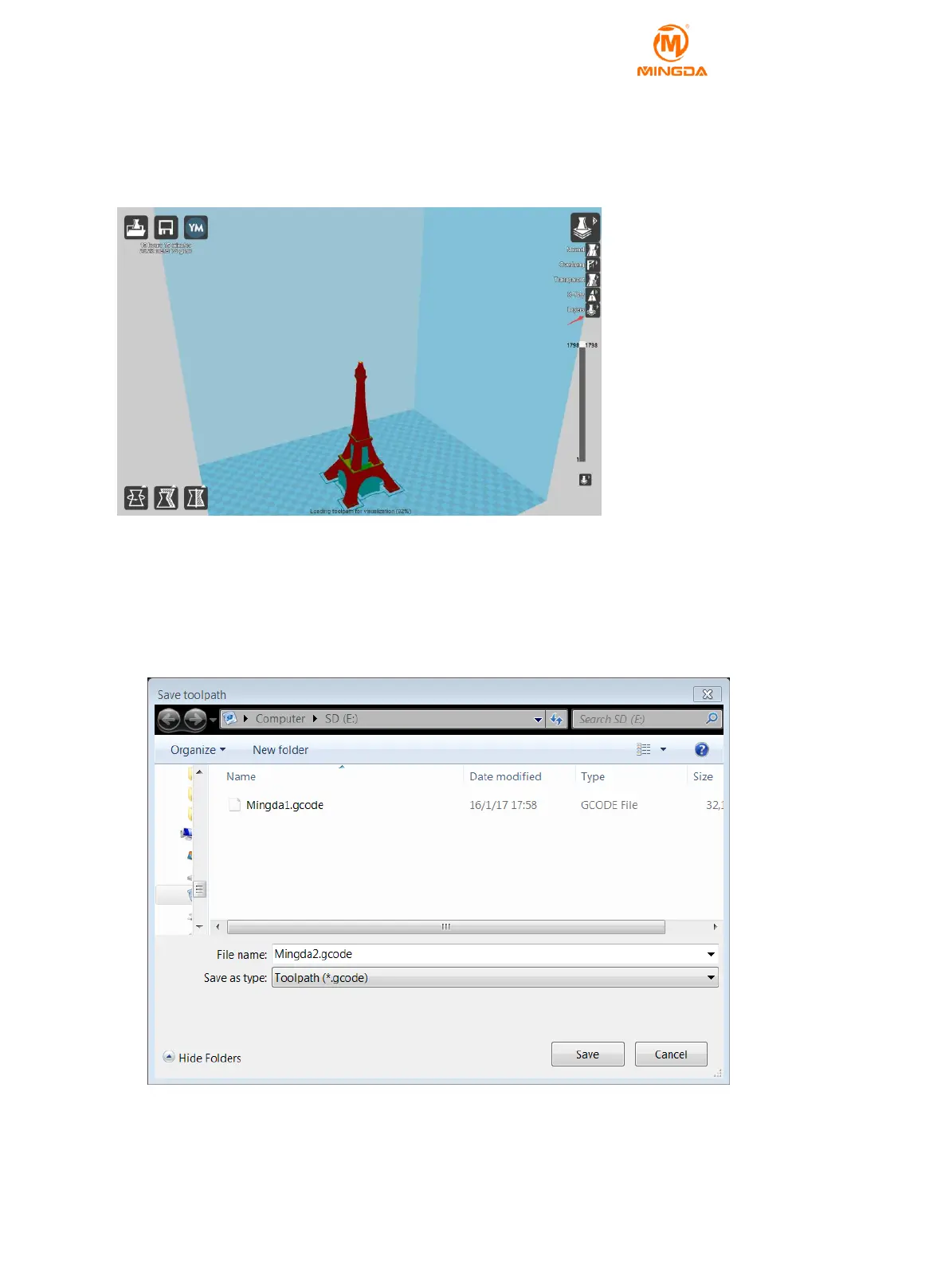
1) After the slicing is completed, the print time and the weight of the consumables will be displayed in the upper
left corner.
2) After the slice is completed, click on the upper right corner to select Layers to preview the print. You can also
check if the preview is consistent with the source document. If it is inconsistent, check the stl document.
Transfer stl Model into gcode Document with Cura
1. Insert the SD card, and establish a folder named "GCODE" first.
2. Click “file” – “save GCode”.
3. Set GCODE directory in SD card. click “save” .(the file name should not be too long)
4. Take out the SD card.



 To Next Page