Test Solutions - User Guide Page 18
RCM Series Compact Modular Test Systems 4-Oct-17 (A3)
Demo Mode
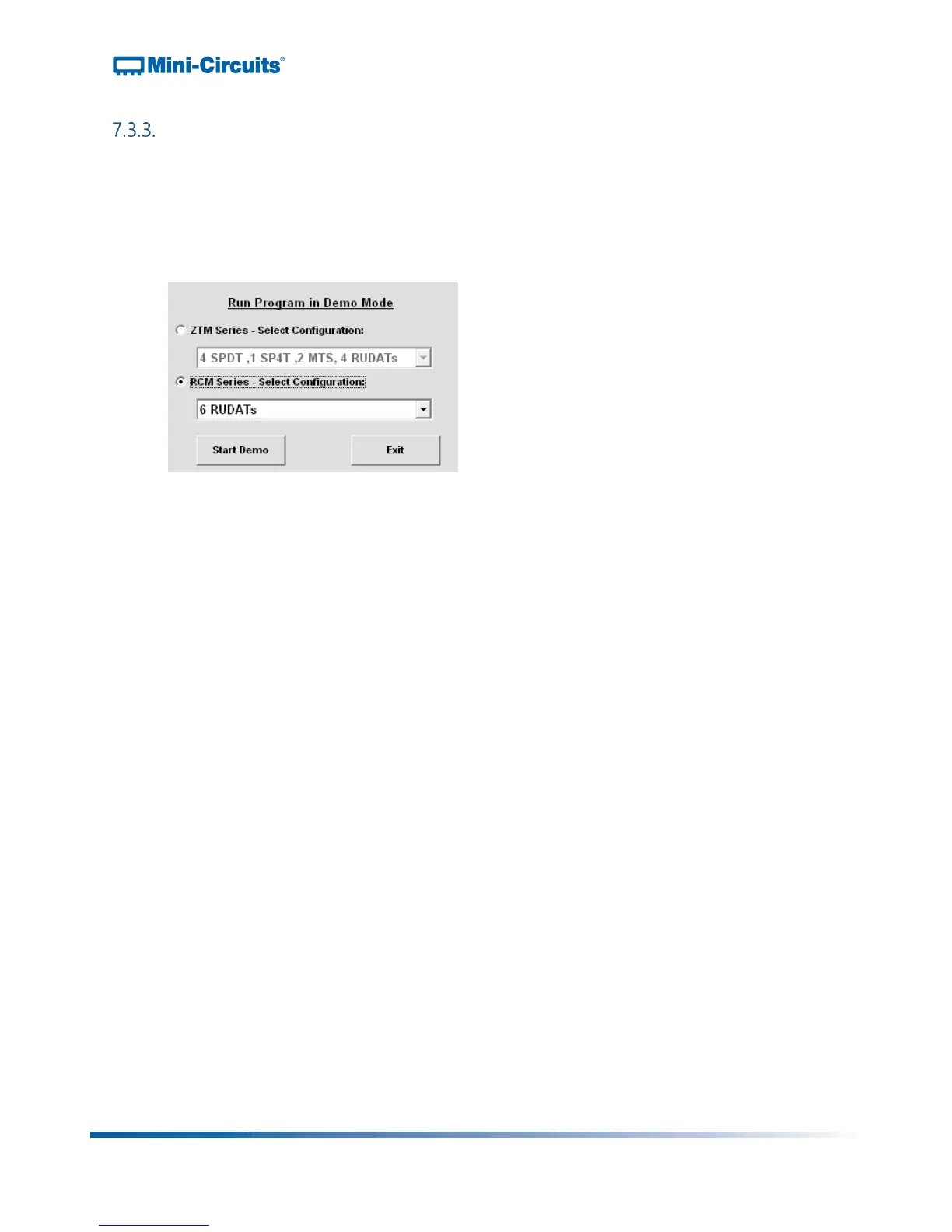
Selecting Demo Mode allows the user to explore the GUI program features for
demonstration without actually connecting to the equipment. To explore the GUI in
demo mode, select the "RCM Series" radio button and choose one of the demo
configurations from the drop menu. Click “Start Demo” to open the GUI main control.
Figure 14: Connection menu – Demo Mode



 To Next Page