Test Solutions - User Guide Page 24
RCM Series Compact Modular Test Systems 4-Oct-17 (A3)
Status: This field displays the current attenuation level setting of the selected attenuator.
Save and Recall Test Profiles: The software allows you to save the settings for specific
attenuation patterns as a configuration file and recall them for repeated use. If the same
settings are used often and repeatedly for a given test, this function avoids having to
restore settings individually, saving time. The menu buttons to save and recall test
profiles are:
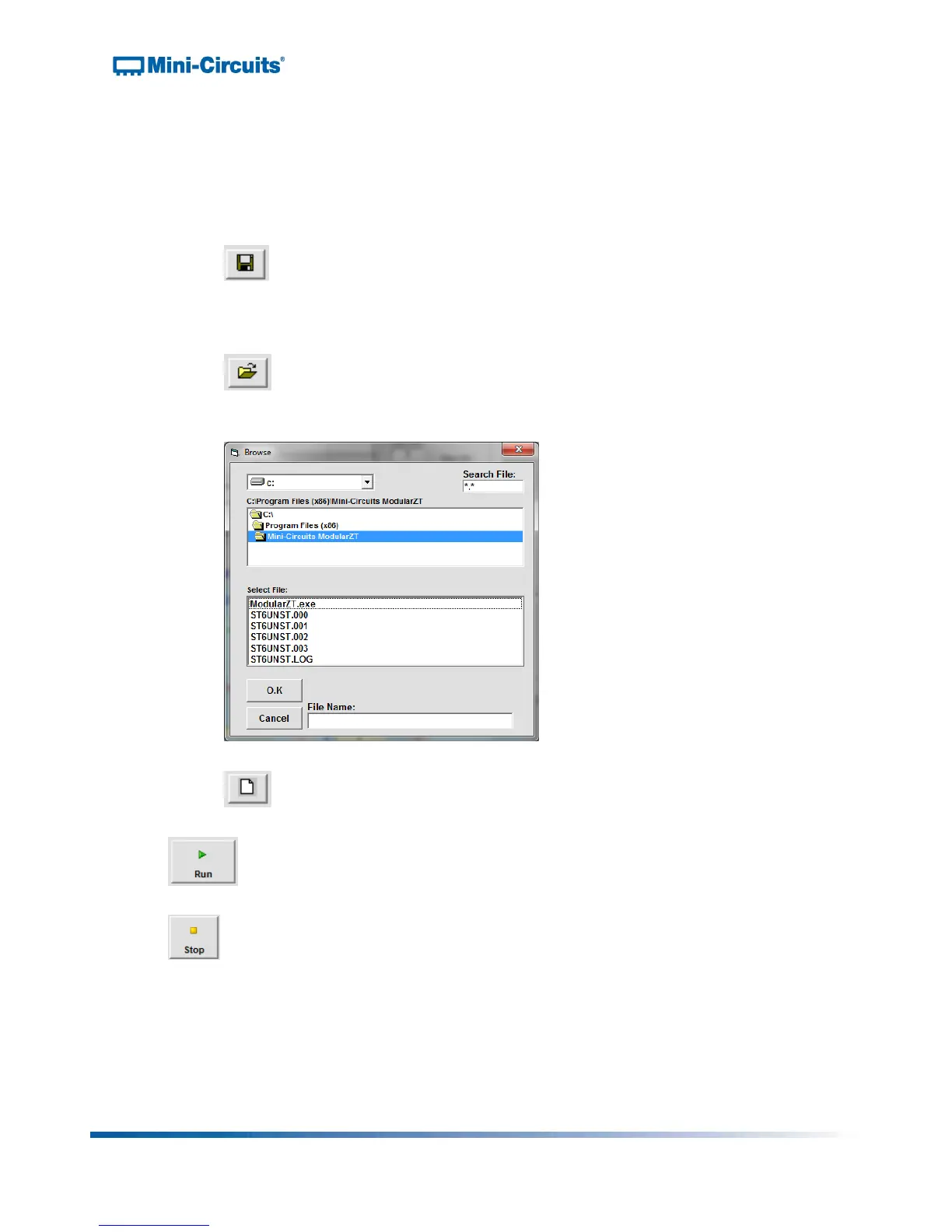
: Clicking the “Save Test Profile” button allows the user to save a specified
attenuation sequence to his or her computer. A browse window will appear
prompting the user to select a directory location to save the test profile and
assign a desired file name.
: Clicking the “Recall” button allows the user to load all settings from a
saved test profile. A browse window will appear, allowing the user to find and
select the desired saved test profile.
Figure 20: Test profile browse window
: Clicking the “Reset to Default Values” button returns all settings to their
default values and clears all entries in the Hop grid.
: Clicking the “Run” button runs the specified sweep or hop for the selected
attenuator.
: Clicking the “Stop” button stops the sweep or hop sequence.



 To Next Page