miniDSP Ltd – Hong Kong / www.minidsp.com / Features and specifications subject to change without prior notice 10
3 SOFTWARE INSTALLATION
The DDRC-22D is configured with software running on a PC or Mac. There are two sets of software to download
and install, from live.dirac.com and from miniDSP.com.
3.1 WINDOWS 10
This section describes software download and installation for Windows 10.
The software described in this section runs on the latest version of Windows 10 only. Other versions
of Windows are not supported by the current version of Dirac Live. If you are running an
unsupported version of Windows, refer to the DDRC-22 User Manual Legacy Support version.
3.1.1 Download and install the DiracLive application
Download the DiracLive application for Windows 10 from https://live.dirac.com/download/.
Double-click on the downloaded installer to run it. It will have a name like DiracLive v3.0.0 Setup Windows.exe.
We recommend that you accept the default installation settings. Do not run the application yet.
3.1.2 Download the miniDSP software
If you purchased your processor directly from miniDSP, your software will be available from the User Downloads
section of the miniDSP website when your order ships. To access the download, you will need to be logged into
the website with the account you created when purchasing.
If you purchased your processor from a miniDSP dealer, you will receive a coupon together with the product.
Redeem this coupon at the link below:
• https://www.minidsp.com/support/redeem-coupon
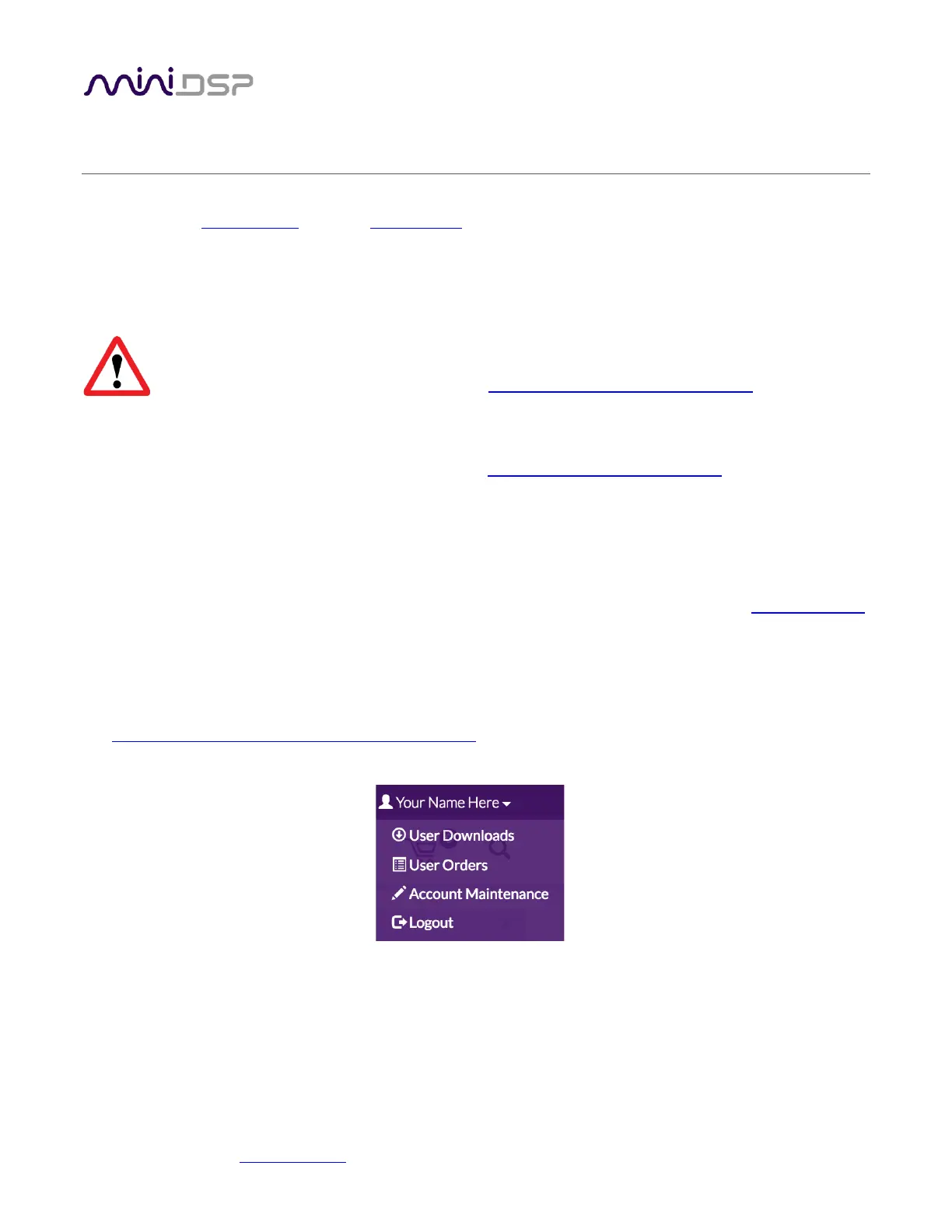
The User Downloads link is visible from the dropdown menu at the top right of the website:
Navigate to the Dirac Series section and then to DDRC-22 Software. Download the zip file under the heading
DDRC-22 software for Dirac 2.0.
After downloading, unzip the file (right-click and select “Extract All...”). The unzipped download has a name like
DDRC_22_v1_11_Dirac2. (The version number embedded in the folder name may be different.)



 To Next Page