miniDSP Ltd – Hong Kong / www.minidsp.com / Features and specifications subject to change without prior notice 14
4 THE DDRC-22 UTILITY PROGRAM
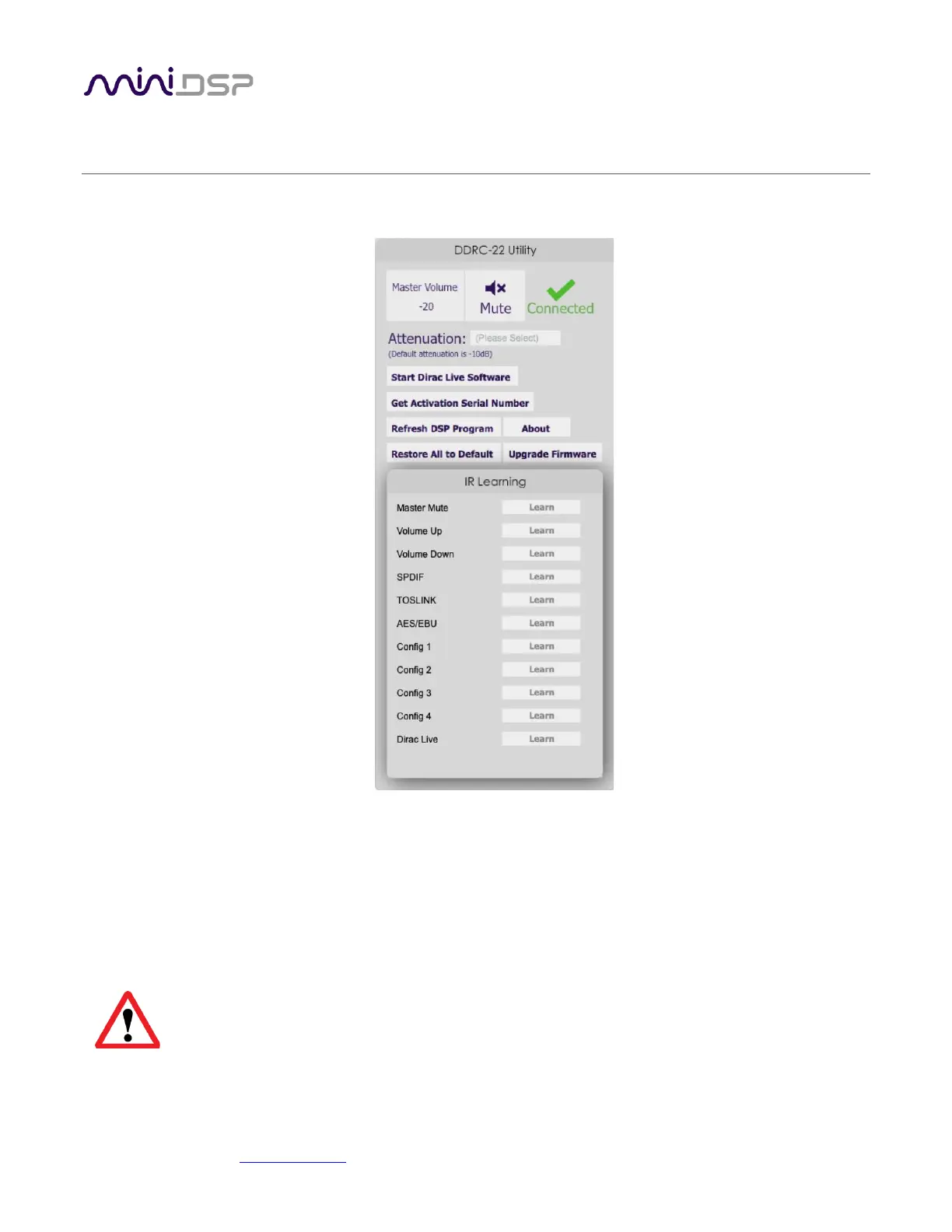
The DDRC-22 Utility program is used to set up the DDRC-22D. It is not used for Dirac Live calibration.
Master volume
Displays the current master volume setting. Click and type here to change the master volume.
Mute
Mutes all audio output.
Connect/Connected
Click on the Connect icon to connect to the DDRC-22D. To disconnect, quit from the DDRC-22
Utility.
You will need to connect to the processor with this button in order to use most of the
functionality of this utility. If you have been using the DiracLive application, quit it before
clicking this button.



 To Next Page