miniDSP Ltd – Hong Kong / www.minidsp.com / Features and specifications subject to change without prior notice 15
Start Dirac Live Software
Starts the separate DiracLive application. When this button is pressed, the SHD plugin will
disconnect from the DDRC-22D processor and then start up DiracLive.
You must start the DiracLive application from within the DDRC-22 plugin using the Start Dirac
Live Software button. If you open the DiracLive application by itself, it will not be able to detect
the DDRC-22D processor.
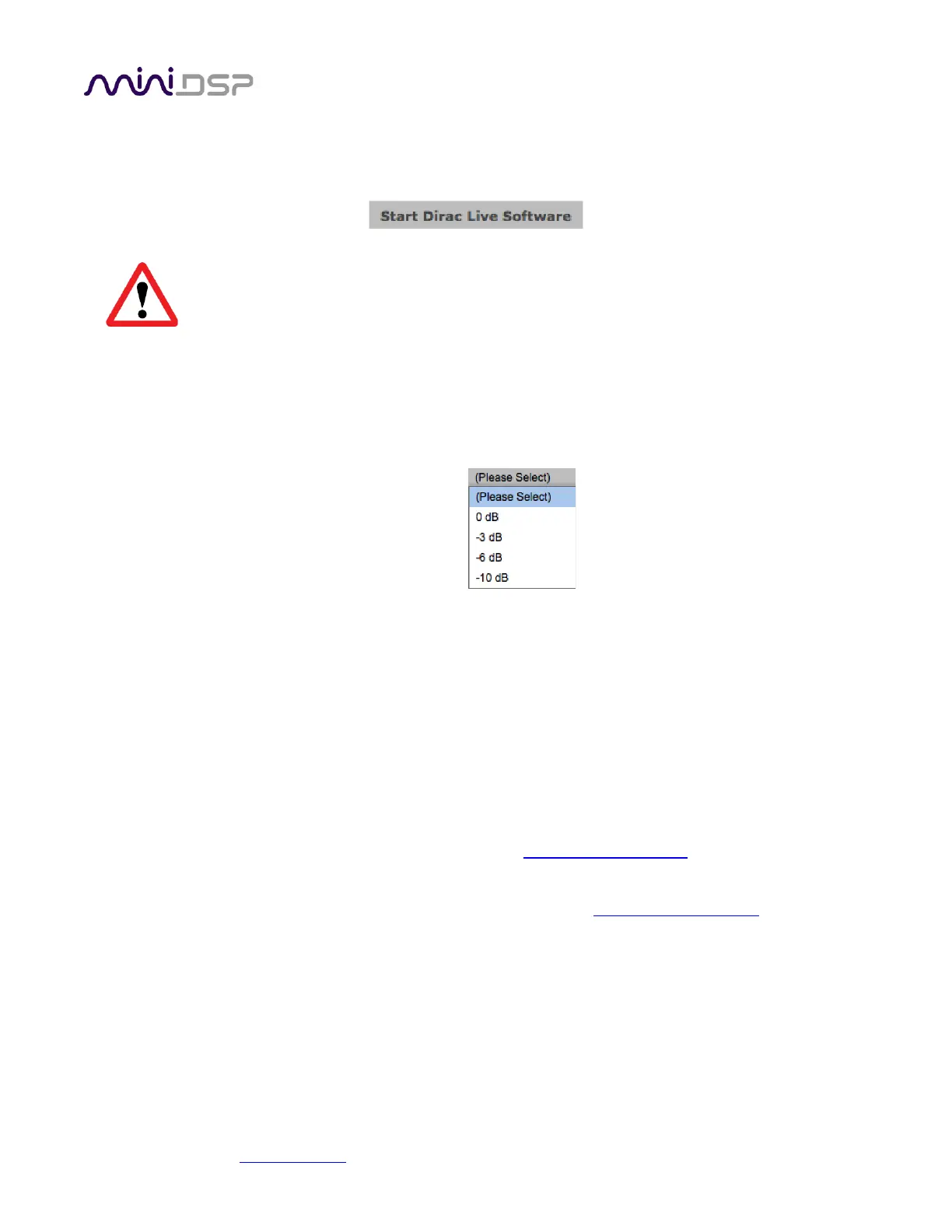
Attenuation
By default, the DDRC-22 introduces 10 dB of attenuation in order to provide headroom for the
EQ boost that Dirac Live may introduce. If this is too much attenuation, you can change it with
the dropdown menu.
Refresh DSP Program
Updates the internal DSP program with the version contained in the DDRC-22 Utility. Use this
after installing a new version of DDRC-22 Utility.
Restore All to Default
Clears all four loaded filter presets.
About
Provides the current version of DSP firmware.
Upgrade Firmware
Starts the MCU firmware upgrade process. See MCU firmware upgrade on page 20.
IR Learning
Buttons used to learn infrared remote control codes. See Infrared remote control on page 18.



 To Next Page