miniDSP Ltd, Hong Kong / www.minidsp.com / Features and specifications subject to change without prior notice 17
7 USING THE UMIK-2 WITH ROOM EQ WIZARD
If you do not already have Room EQ Wizard (REW) installed, download it from roomeqwizard.com. Download
the latest beta version for UMIK-2 support.
7.1 INITIAL CONFIGURATION
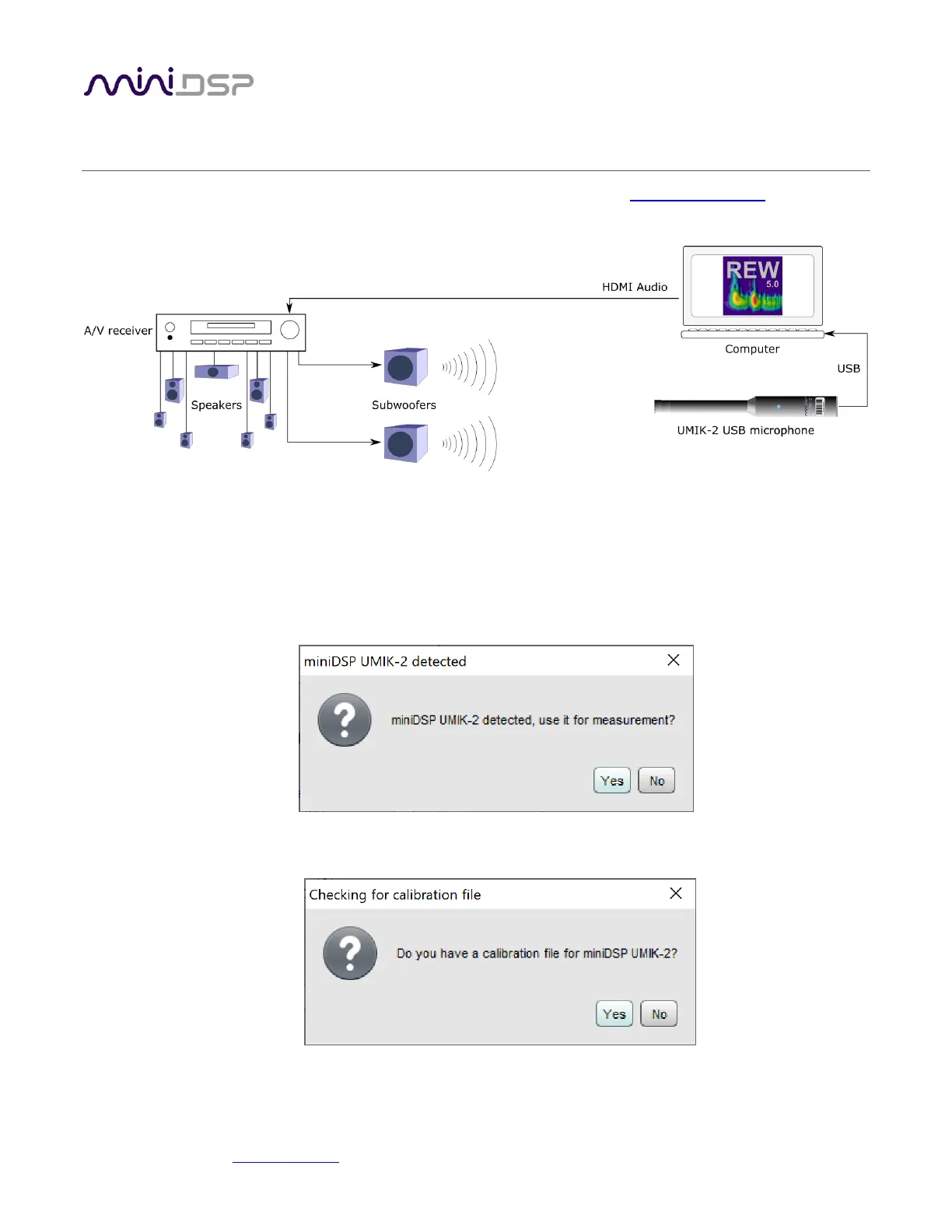
1. Plug in the UMIK-2 to your computer. Figure 2 illustrates an example measurement setup.
2. Start REW. You will see a dialog such as the following. Click on Yes.
3. You will then see a dialog such as the following. Click on Yes.


 To Next Page