miniDSP Ltd, Hong Kong / www.minidsp.com / Features and specifications subject to change without prior notice 9
2.4 UAC2 CONTROL PANEL
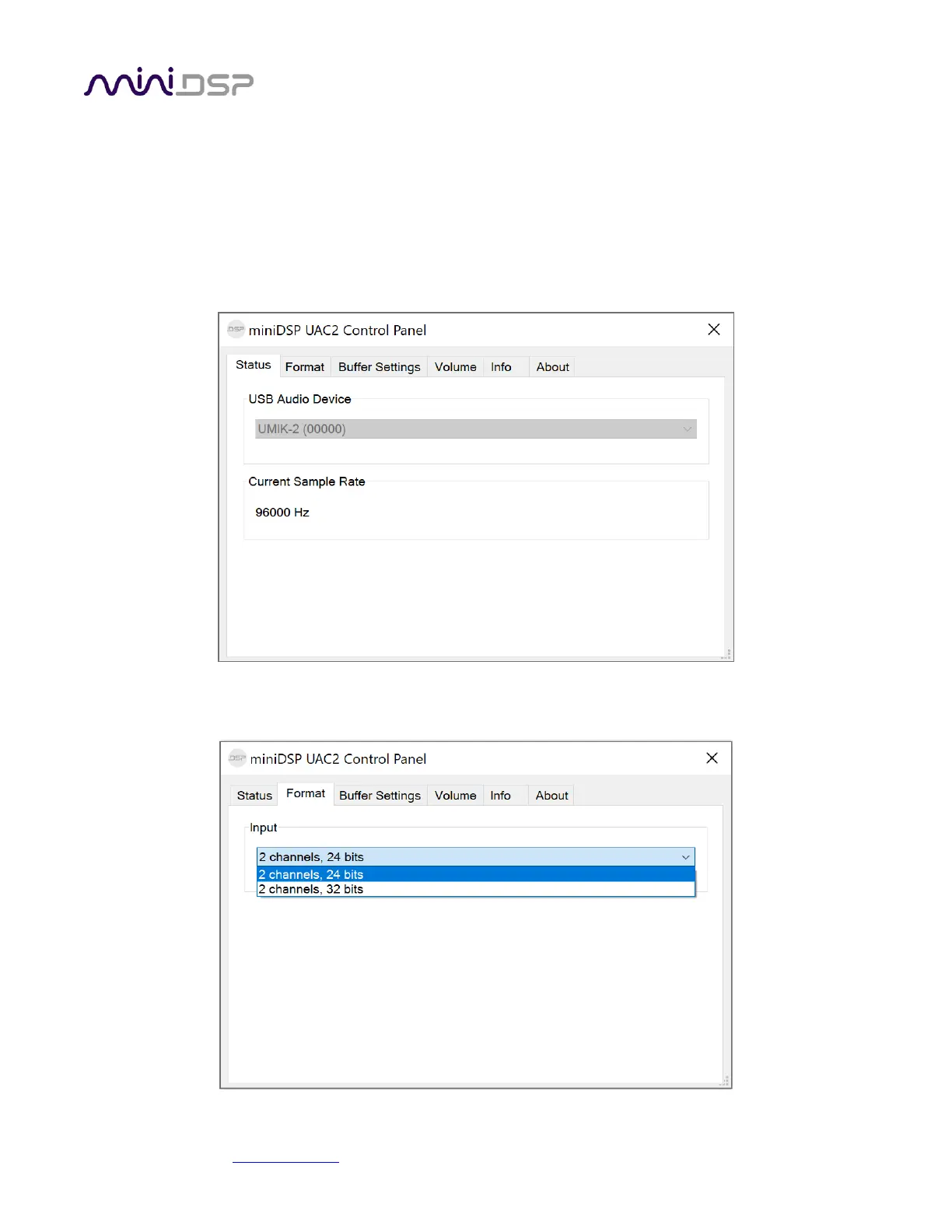
Open the miniDSP UAC2 Control Panel (from Start Menu -> miniDSP Ltd). It has several tabs.
Status
This tab shows the current sample rate of the UMIK-2. This setting cannot be changed in the Control panel, but
simply reflects the current sample rate of the UMIK-2.
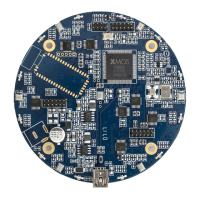
Format
This tab shows the input channel bit depths:


 To Next Page