minifinder
pico
www.mininder.com 10 of 20
SOSSOS
After SOS function is activated, an alarm notication is sent to the MiniFinder GO APP if the SOS /
panic alarm is activated on the device. The alarm is followed up with telephone calls to authorized
telephone numbers or a local alarm center.
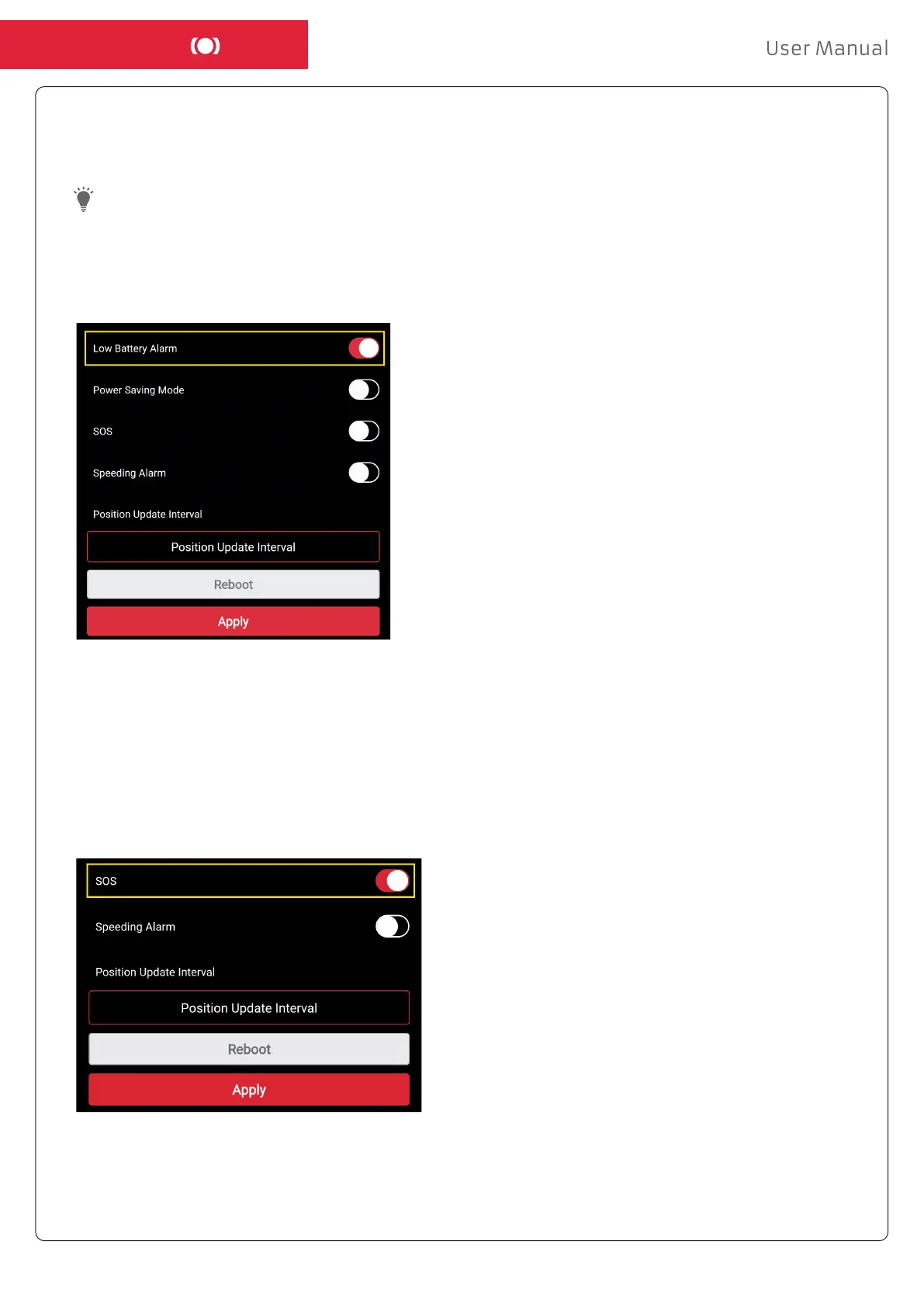
To enable SOS, click the Action Menu and then select “Setup”, and activate “SOS” according to the
image above and click ”Apply” to save the settings.
Low Battery AlarmLow Battery Alarm
If a device’s battery level falls below 20%, you are alerted with an alarm notication and the
battery icon in the menu starts ashing to indicate low battery level.
- To activate Low Battery Alarm, click Action Menu, and select the “Setup”.
- Turn on “Low Battery Alarm” and then click “Apply” to save the settings.



 To Next Page