minifinder
pico
www.mininder.com 2 of 20
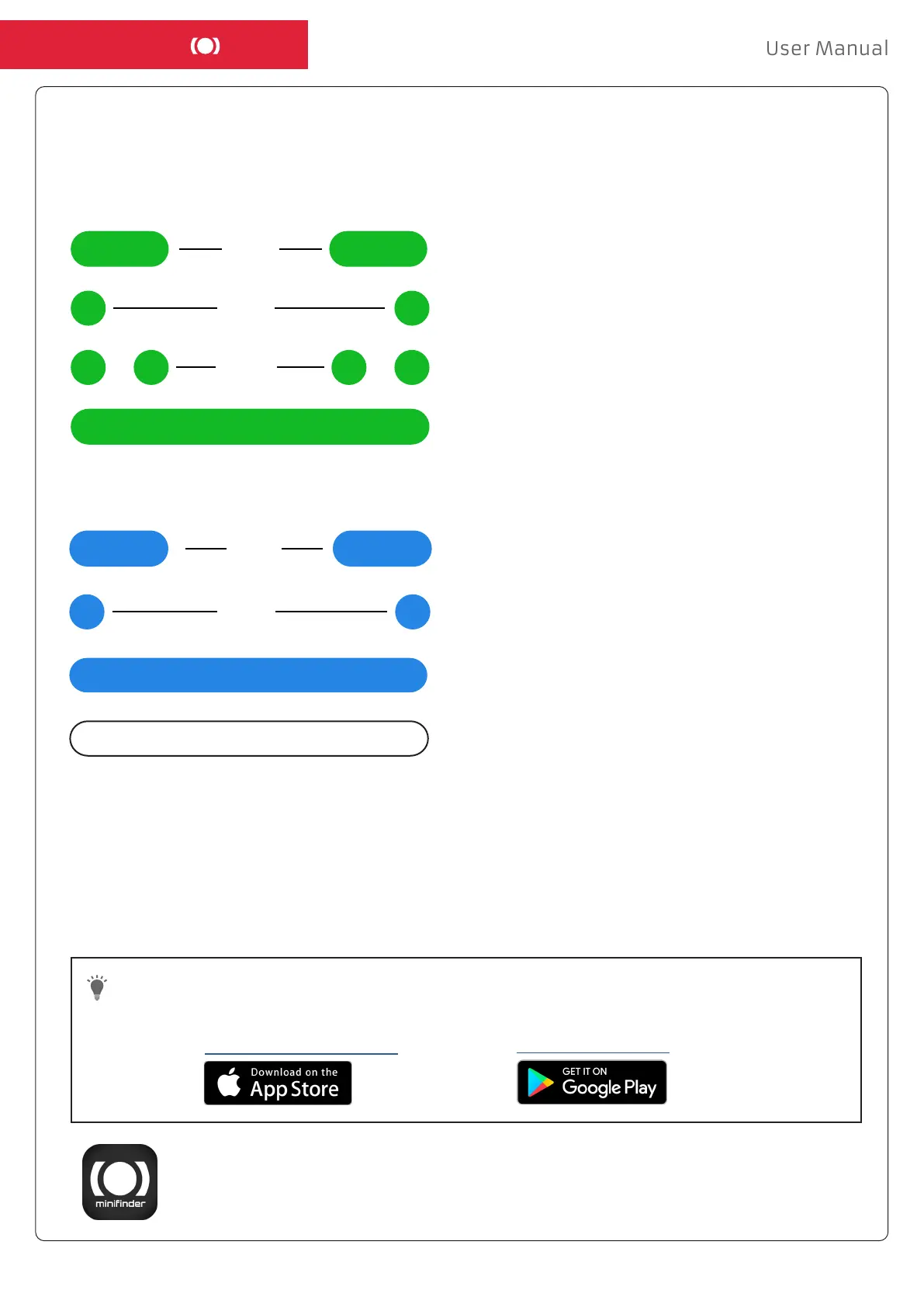
EXPLANATION OF LED LIGHTSEXPLANATION OF LED LIGHTS
DOWNLOAD MINIFINDER GO APPDOWNLOAD MINIFINDER GO APP
To set up and track your MiniFinder
®
Pico, you need to download MiniFinder GO Tracking System APP.
Download the app by searching the “MiniFinder GO GPS Tracking” in Apple App Store
or Google Play store. Install the app to log in with your created or assigned login details.
If you read the documentation on your mobile phone, please click on the link below to download
the APP.
Apple iPhone: https://apple.co/2P3oYxN
Android: http://bit.ly/2IengsS
Steady light =
No or faulty SIM card
Single blink =
Connected to GSM network
3 sec
Double blink =
Connected to GPRS network
3 sec
Slow blink =
Searching for GSM network
1 sec
GREEN LED:
BLUE LED:
3 sec
Single blink =
Connected to satellite
1 sec
Slow blink =
Searching for GPS signal
Steady blink =
Charging
No light =
Sleep mode or fully charged


 To Next Page