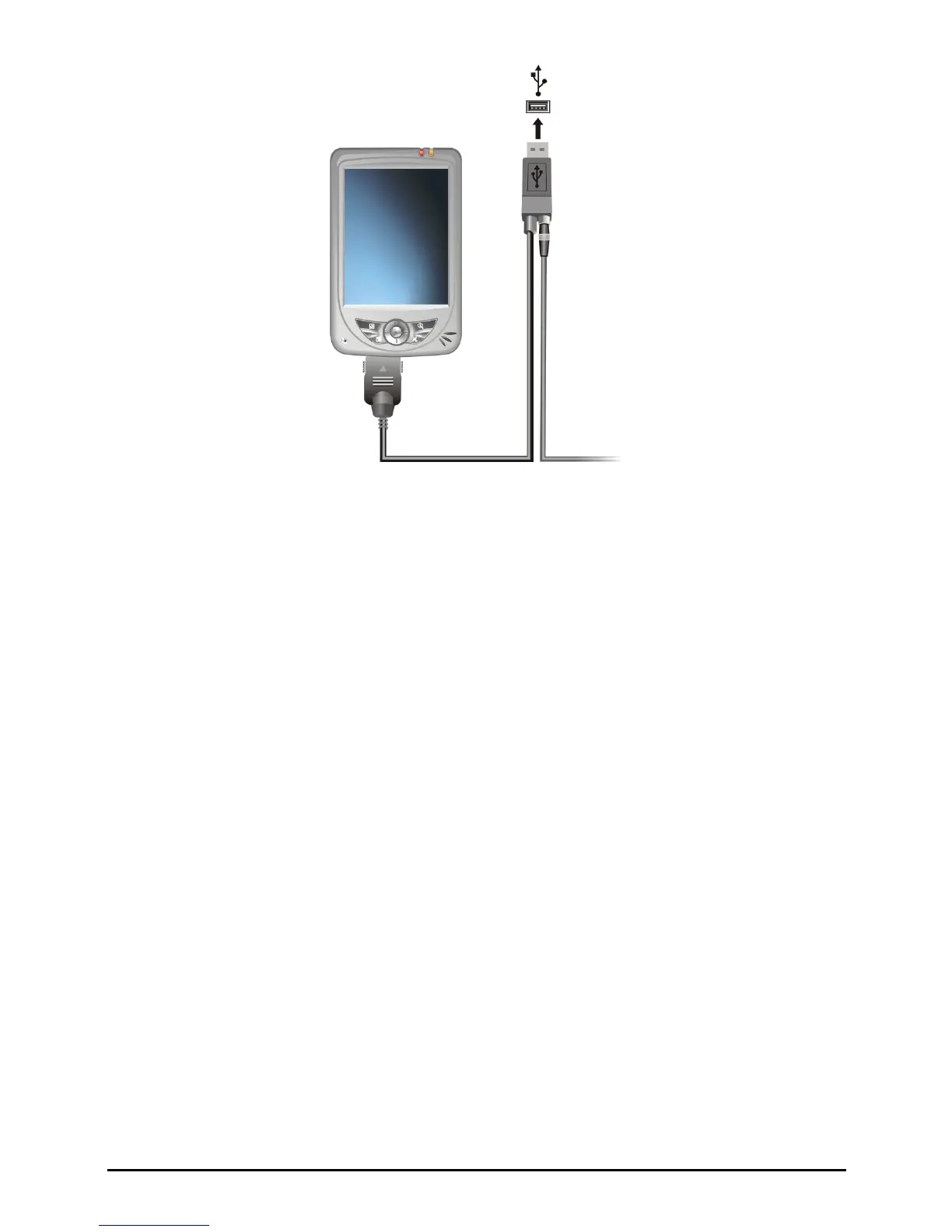
9. The “Add New Hardware Wizard” should automatically install the USB
driver. (If you need to specify the location of the driver, click
Browse and
select the CD-ROM drive containing the Companion CD.)
10. Follow the onscreen instructions to establish a partnership and synchronize
your Pocket PC with your desktop computer.
After your first synchronization, the data you have stored on your desktop
computer such as Calendar, Contacts and Tasks is copied to your Pocket PC.
You are now ready to take it along with you when you go.
10


 To Next Page