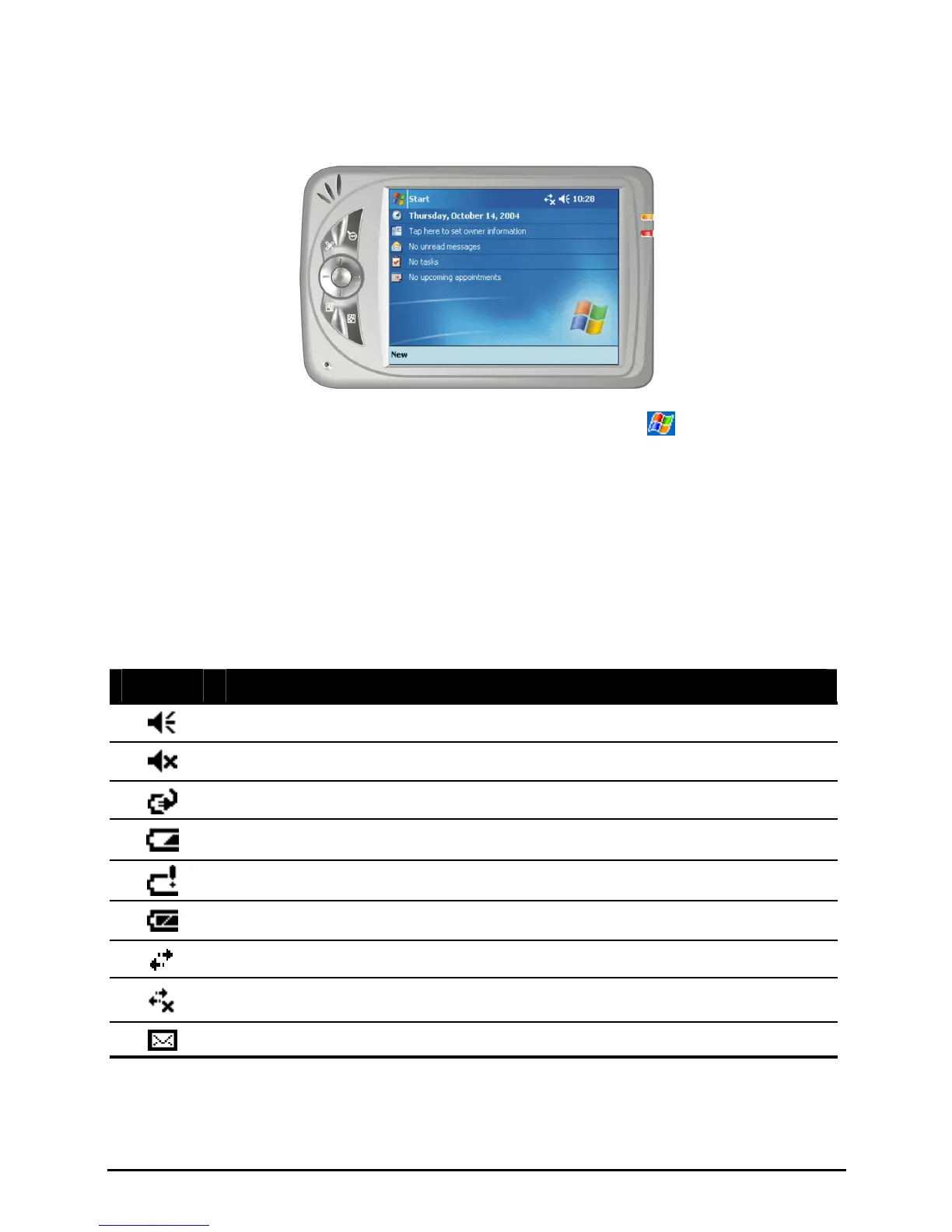
Landscape View
If you want, you can use your Pocket PC in a landscape manner as shown below.
To change the screen view from portrait to landscape, tap
Settings
System tab Screen icon Landscape.
Status Icons
When the Today screen is displayed, you may see the following status icons on
the Command bar or Navigation bar. In most cases, you can tap a status icon to
display the associated control panel or more information related to the item. For
example, tap a battery status icon to open the Power control panel.
Icon Meaning
Speaker is on.
Speaker is off.
Battery is charging. *
Battery is low. *
Battery is very low. *
Battery is fully charged. *
Connection is active.
Connection is not active.
One or more e-mail messages were received.
* NOTE: This icon appears only in the box that pops up when you tap the time at the
top right corner of the screen.
14


 To Next Page