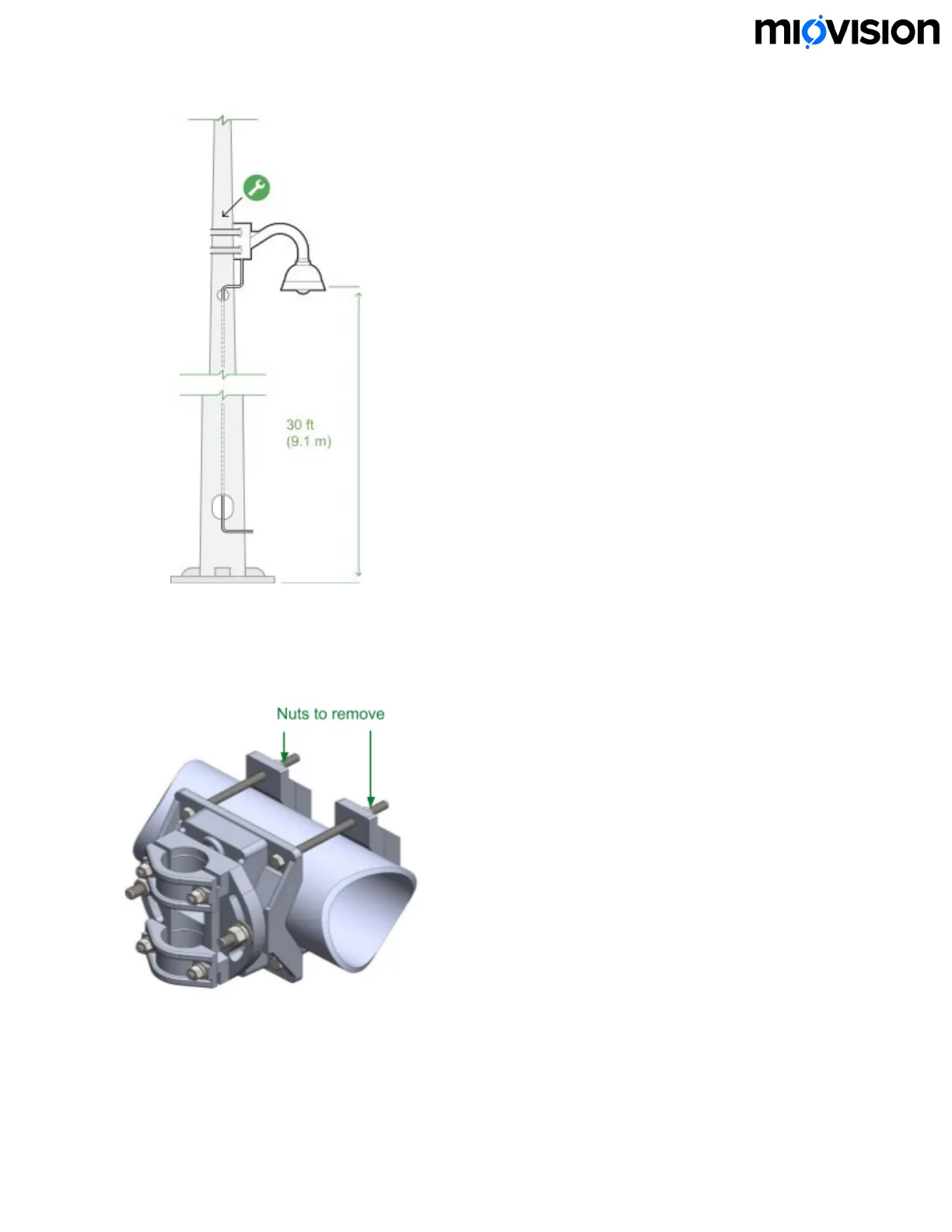
If you are installing on a mast arm:
1. Remove the 4 nuts from the mast arm clamp.
2. Put the clamp in an appropriate location on the mast arm
3. Replace the nuts and tighten the clamp.
5. Rotate the SmartView 360 so that it points toward the center of the intersection,
free of visual obstructions.
6.11.19
20


 To Next Page