4. Getting started
MiR Precision Docking Operating guide (en) 2019/11 - v.1.2 ©Copyright 2019: Mobile Industrial Robots A/S. 10
4. Getting started
This section describes how to mount MiR Precision Docking, and prepare it for use.
4.1 In the box
This section describes the content of the MiR Precision Docking box.
The box contains:
1. MiR Precision Docking station
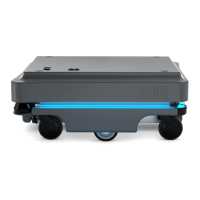
2. MiR100/MiR200 with MiR Precision Docking robot part
4.2 Mounting the MiR Precision Docking station
MiR Precision Docking consists of two parts: a robot part and a station.
NOTICE
The part mounted to the MiR robot is fitted in the MiR factory and should not
be modified manually.
Figure 4.1 is an illustration of the mountable station with precision pins. There are three
mounting holes that enable you to fix it to walls or other structures.


 To Next Page