5. Usage
MiR Precision Docking Operating guide (en) 2019/11 - v.1.2 ©Copyright 2019: Mobile Industrial Robots A/S. 17
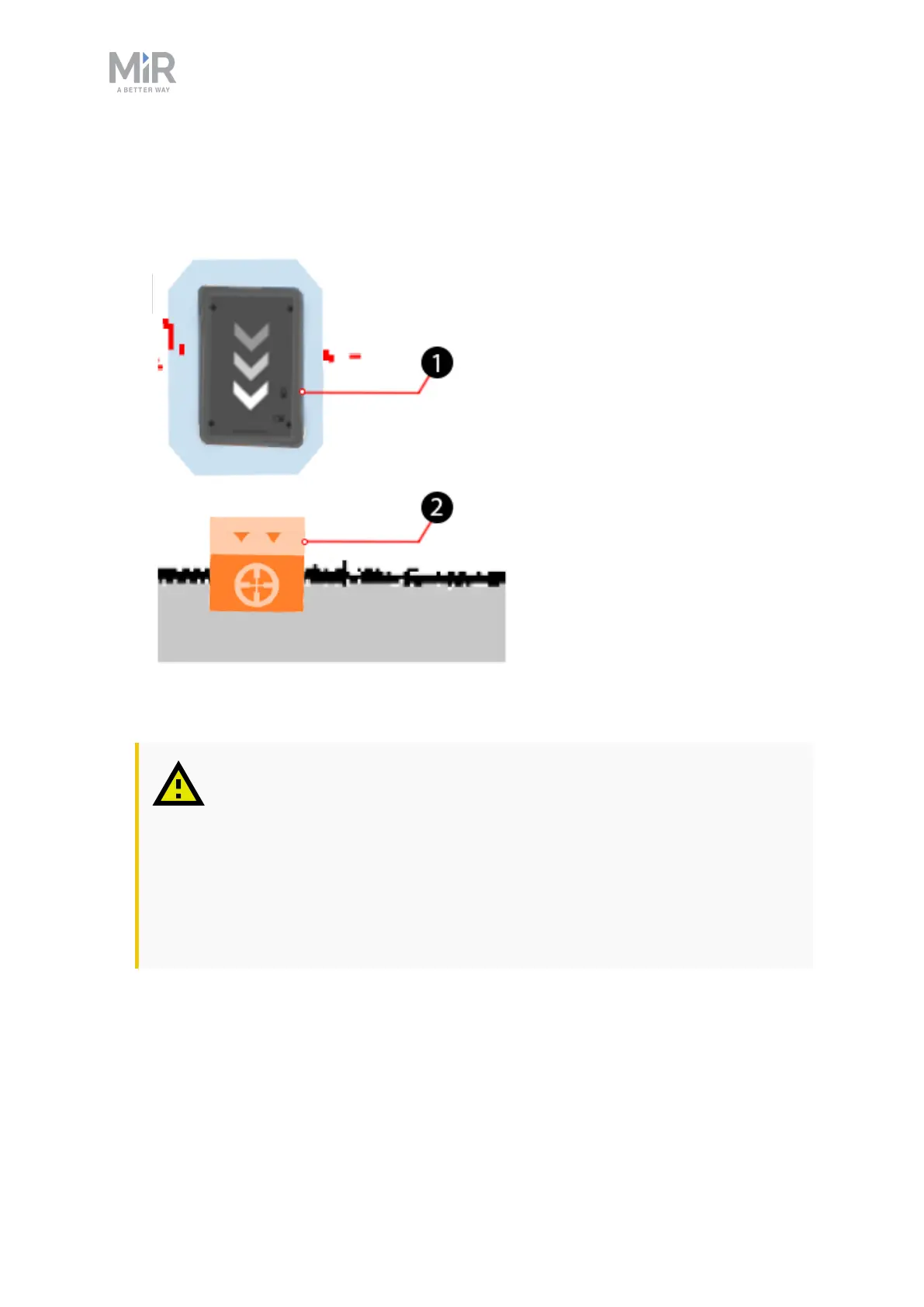
6. Select OK to create the marker. A new marker icon (2) is now visible on the map in front
of the robot (1).
It is unlikely that the marker aligns precisely with the precision pins. It is important to test
how your robot docks to the precision docking station and change the offsets accordingly.
The offsets can be changed by selecting the marker on the map, and then selecting Edit.
CAUTION
The robot will not register if the pins are not aligned with the holes and will
continue to dock to the station, regardless of the pins colliding with the
front of the robot.
• When docking the first time, closely supervise the robot, and stop it
immediately if it becomes clear that the pins and holes will not align in
the docking.


 To Next Page