6. Maintenance
MiR Precision Docking Operating guide (en) 2019/11 - v.1.2 ©Copyright 2019: Mobile Industrial Robots A/S. 23
4. Press the manual pin release button.
5. Spray the precision holes with lubricant again.
Robot part - internal unit
Follow the steps below to lubricate the internal unit properly:
1. Push in each precision hole, using a hex key until it clicks.
2. Remove the top cover of the robot.
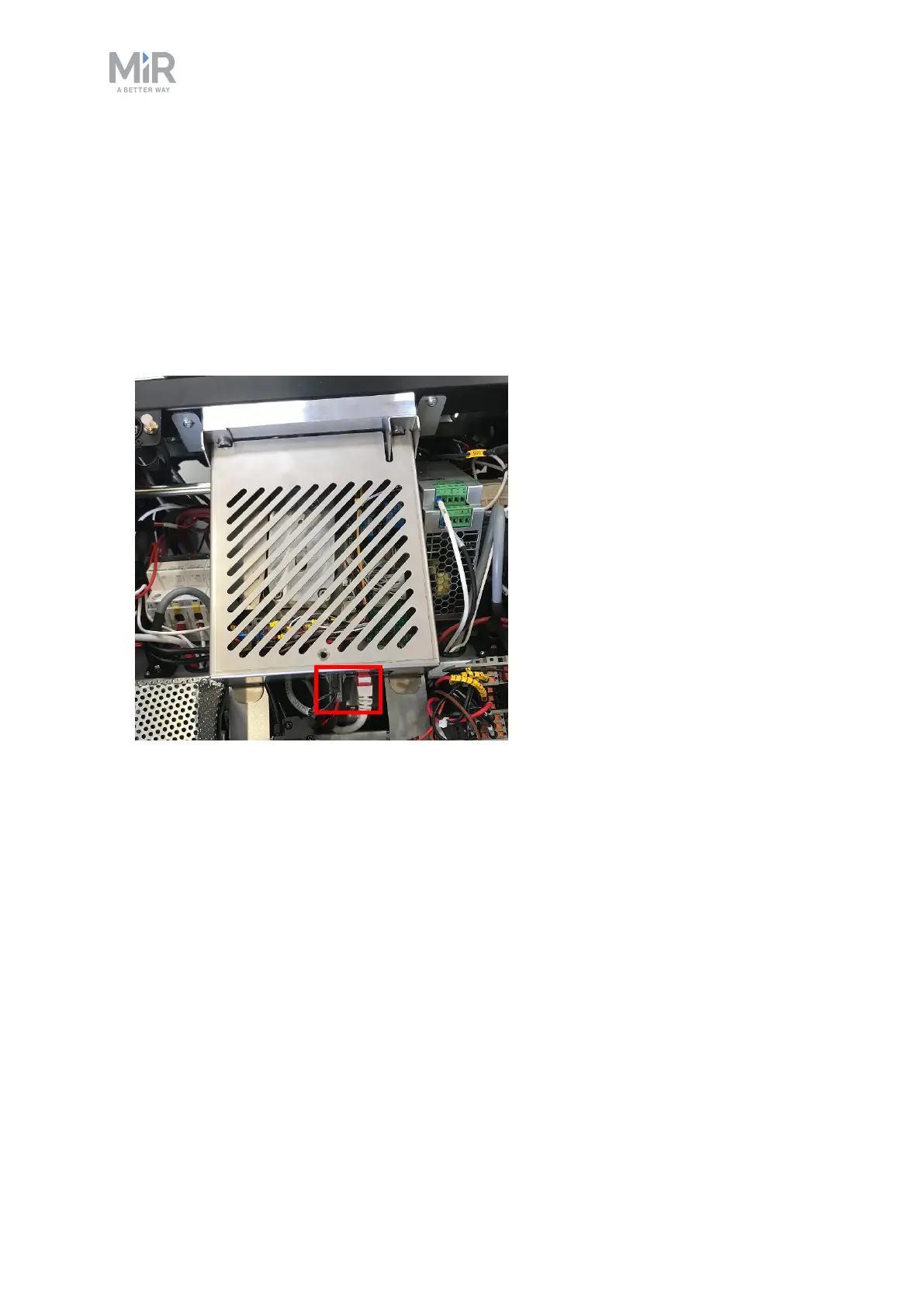
3. Disconnect the three cables that connect to the internal precision docking robot part unit.
4. Unscrew the single screw in the cover, and gently lift the cover off.


 To Next Page