15
Emergency operation
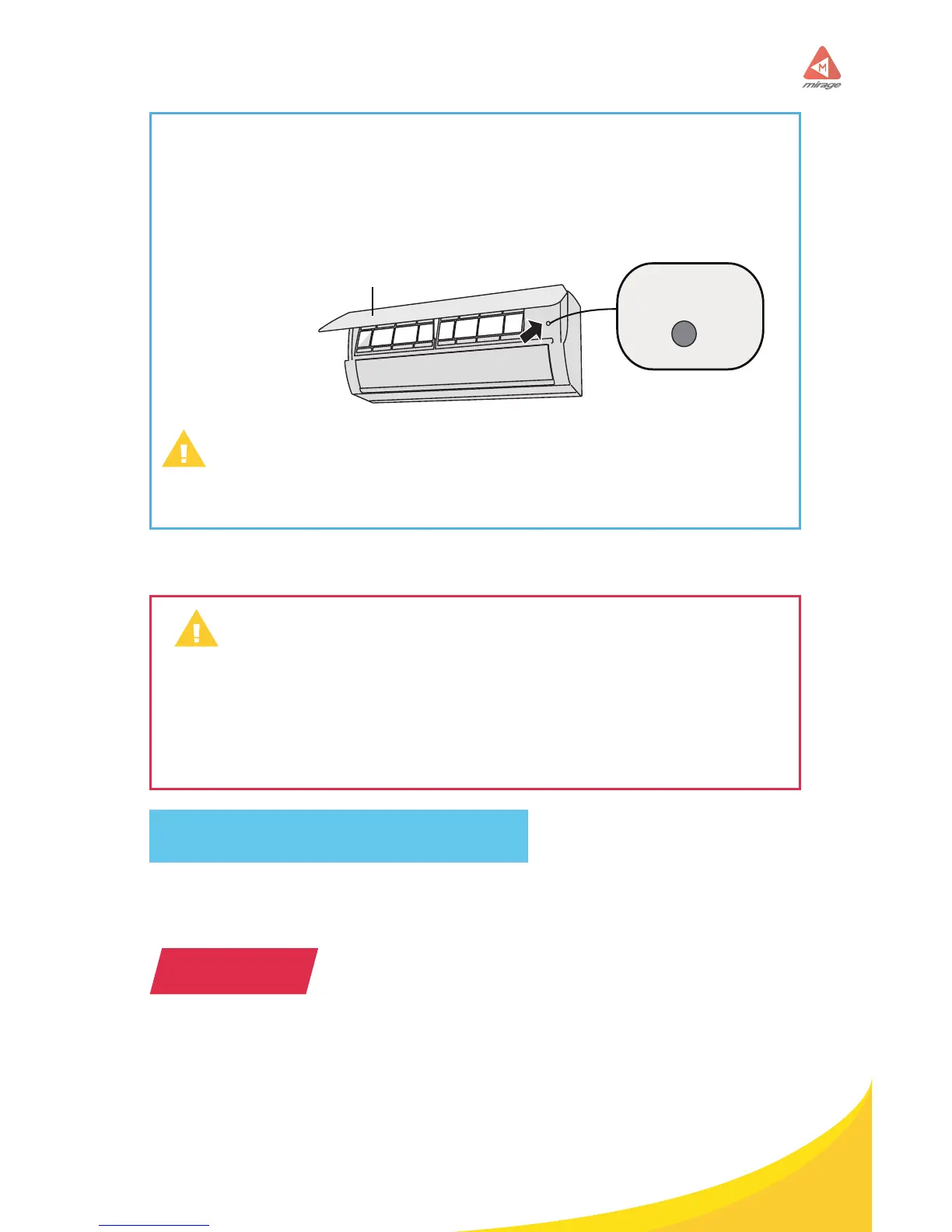
If remote controller is lost or damaged, please use auxiliary button to turn
on or turn o the air conditioner. The operation in details are as below:
As shown in the g. Open panel, press aux, button to turn on or turn o
the air conditioner. When the air conditioner is turned on, it will operate
under auto mode.
Use insulated object to press the auto button.
Clean and Maintenance
• Turn o the air conditioner and disconnect the power before cleaning
the air conditioner to avoid electric shock.
• Do not wash the air conditioner with water to avoid electric shock.
• Do not use volatile liquid to clean the air conditioner.
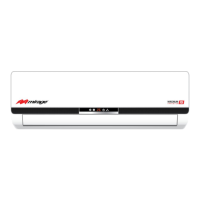
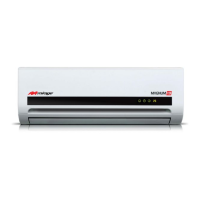
Clean surface of indoor unit
When the surface of indoor unit is dirty, it is recommended to use a soft dry
cloth or wet cloth to wipe it.
• Do not remove the panel when cleaning it.
aux. button
panel
NOTICE
WARNING
WARNING



 To Next Page