EasyManua.ls Logo

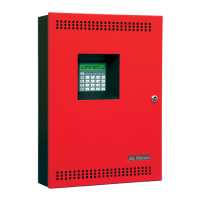
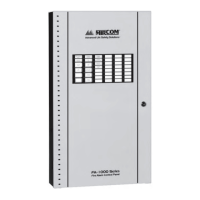
Mircom FA-301-12LDW - User Manual

Mircom FA-301-12LDW
106 pages
Print Icon
To Next Page IconTo Next Page
Loading...
Installation and Operation Manual
LED Fire Alarm Control Panel
LT-905 Rev. 11.4
March 2018
FA-300 Series

Table of Contents

Other manuals for Mircom FA-301-12LDW

Questions and Answers

  • J
    Janice ChanAug 12, 2025
    What to do if Mircom FA-301-12LDW shows battery trouble?
    • L
      Lonnie MackAug 12, 2025
      If your Mircom Control Panel indicates a battery trouble, it means the voltage is low (below 20.4V). The solution is to replace the batteries as soon as possible.
  • K
    kbutlerAug 19, 2025
    How to fix a ground fault on a Mircom FA-301-12LDW Control Panel?
    • D
      donnajohnsonAug 19, 2025
      To resolve a ground fault on your Mircom Control Panel, check for any external wiring touching the chassis or other Earth Ground connection.
  • F
    Frank WilcoxAug 27, 2025
    What causes common trouble on a Mircom Control Panel, and how to resolve it?
    • F
      franklinsmithAug 27, 2025
      Common trouble on a Mircom Control Panel can arise from a few potential issues: missing interconnection wiring, a missing module that was part of the configuration, or improperly secured cabling. Check each of these to resolve the problem.
  • M
    Mrs. Natalie KramerSep 3, 2025
    How to troubleshoot a circuit trouble on a Mircom FA-301-12LDW?
    • D
      Daniel ParkerSep 3, 2025
      To troubleshoot a circuit trouble on your Mircom Control Panel, check for open wiring on that particular circuit loop. Also, ensure that the Circuit Disconnect Switch is in the ON or CLOSED position.

Mircom FA-301-12LDW Specifications

General IconGeneral
TypeFire Alarm Control Panel
ModelFA-301-12LDW
Number of Zones12
Relative Humidity10% to 93% non-condensing
Input Voltage120 VAC
Battery Backup24 VDC
Auxiliary Power Output24VDC, 500mA
Operating Temperature0°C to 49°C
ComplianceUL 864

Related product manuals