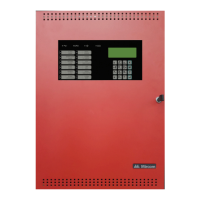
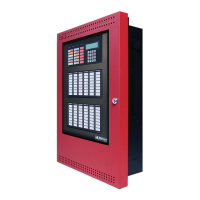
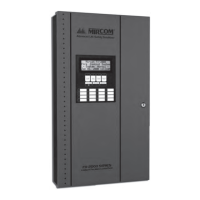
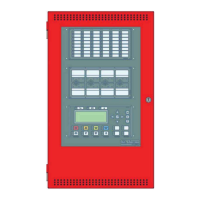
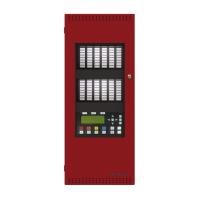
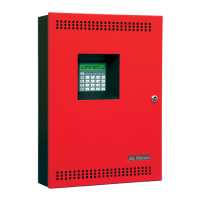
FX-350/351 Series User Guide
5
The Up and Down Arrow Buttons
The Info Button
The Enter, Menu, and Cancel Buttons
The Enter, Menu, and Cancel buttons are only used by technicians to program the fire alarm control panel.
Use these buttons to scroll through any events listed on the screen. The up arrow moves to the
next listed condition and the down arrow moves to the previously listed condition.
Press the Info button while there is a message on the LCD screen to view additional information.
2
ABC
8
TUV
?



 To Next Page
 Loading...