3.7 Setting Date and Time
This screen is used to set local date and time. There is no capability for summer- or winter time
detection.
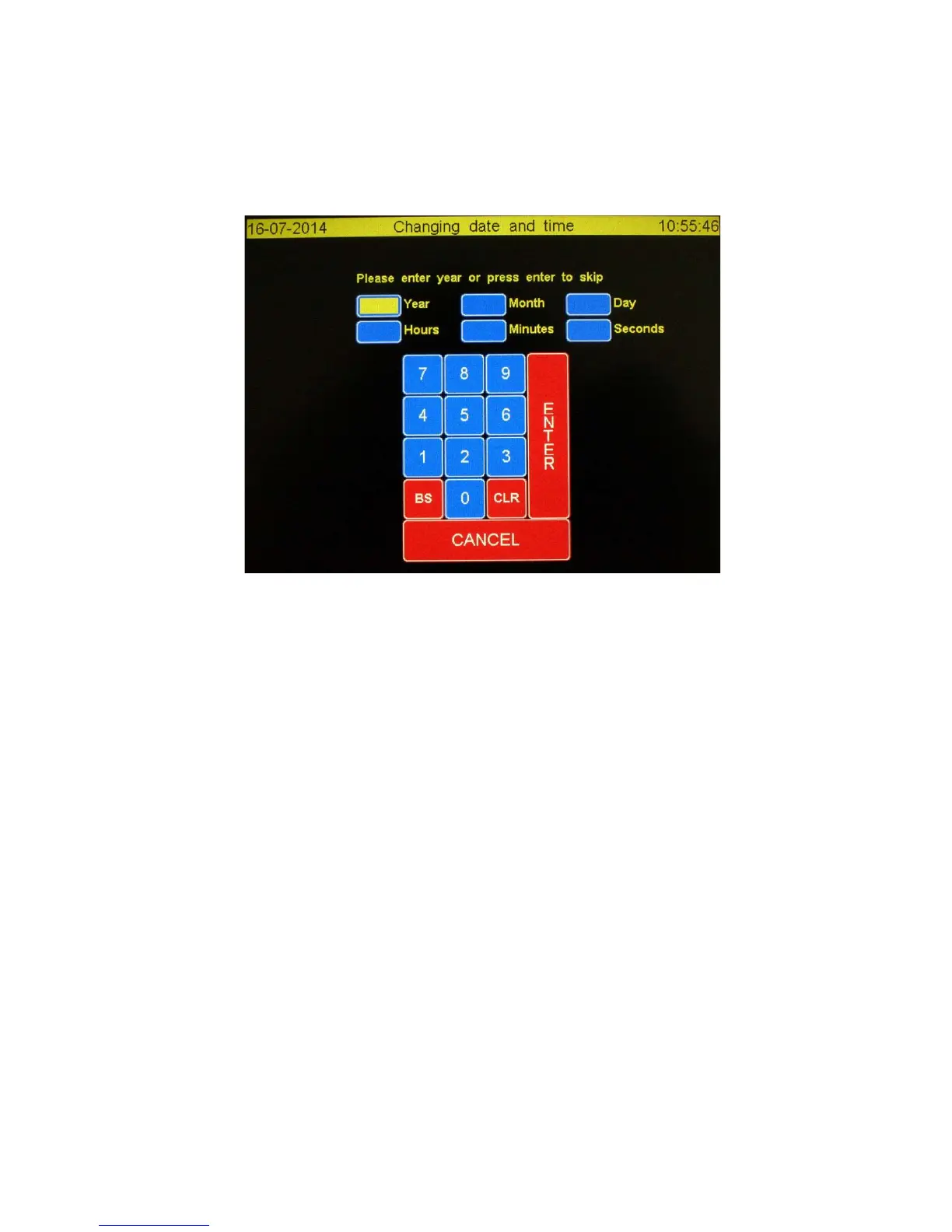
The “Changing data en time” is showed below.
3.7.1 Functions explained
CANCEL: Close the screen and ignore all changes
BS: Clear the character before
CLR: Delete entire value
ENTER: Advance to next field. If on the “Seconds” field the new value are saved and screen is closed.
When a field is empty while ticking the enter key the actual value is showing up in that field.
3.7.2 Time and date fields explained
Year: Enter the complete year number, e.g. 2014, or enter to preserve the actual value.
Month: Number of month, e.g. 7 July, of enter or enter to preserve the actual value.
Day: The date, e.g. 6, or enter to preserve the actual value.
Hours: The hour in 24 hour format, e.g. 19, or enter to preserve the actual value.
Minutes: Enter the minutes, e.g. 3, or enter to preserve the actual value.
Seconds: Enter the seconds, e.g. 0, or enter to preserve the actual value. The screen will close and
the new values are saved and used.



 To Next Page