EN-4
EN
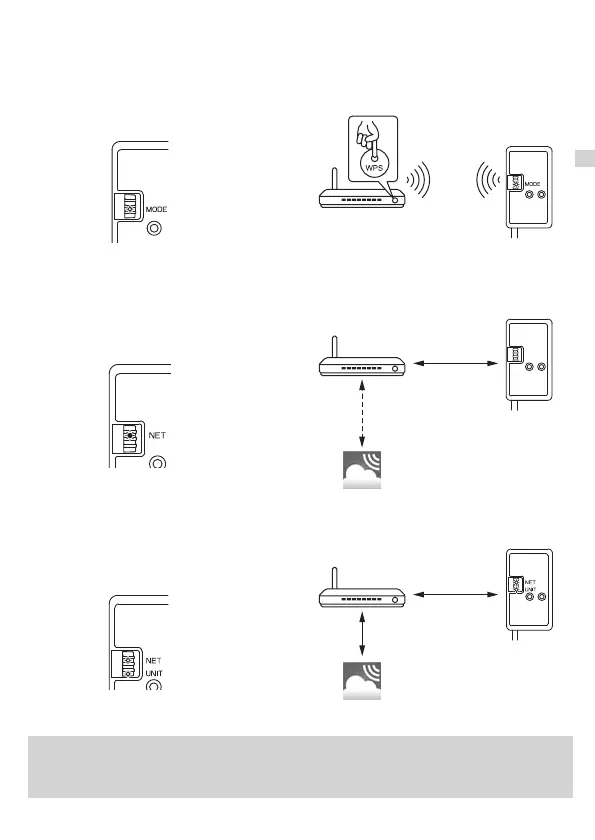
3-3. Setting up in WPS-PUSH mode
Main Causes that WPS failed are as follows.
Communication distance (from the Wi-Fi interface to Router), Router settings (encryption,
authentication, limit of connections, etc.)
For more information, refer to Troubleshooting in 4. LED Pattern.
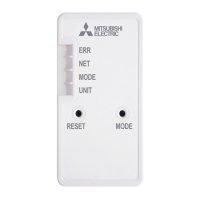
LED indication
LED indication
Flash (every second)
ON (5 sec)
Flash (every 5 sec)
Flash (every 5 sec)
LED indication
Router
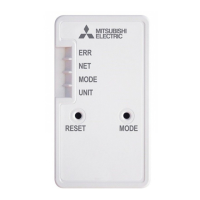
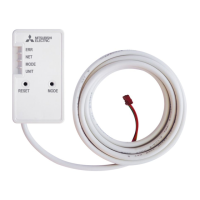
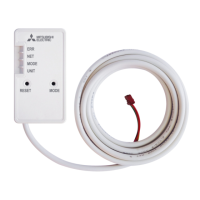
Wi-Fi Interface
MELCloud
2. LED indication will be as shown below when connection between the Router
and Wi-Fi interface is completed and connection to MELCloud starts.
Note: LED indication will return to initial state in 3-1. if the connection fails.
3. LED indication will be as shown below when the connection is completed.
Note: It may take several minutes to show the indication below.
1. Make sure that the LED indication is as shown below.
Push WPS button of the Router within 2 minutes after the mode selection
in 3-2. has completed.
The WPS-PUSH mode will return to initial state in 3-1. if WPS button is
not pressed for 2 minutes.
Connected
Connecting
Connecting
Connected
Connected
JG79Y755H01_EN_SETUP.indd 4 2020/01/23 10:33:59



 To Next Page