Selecting the PIP source
_Important:
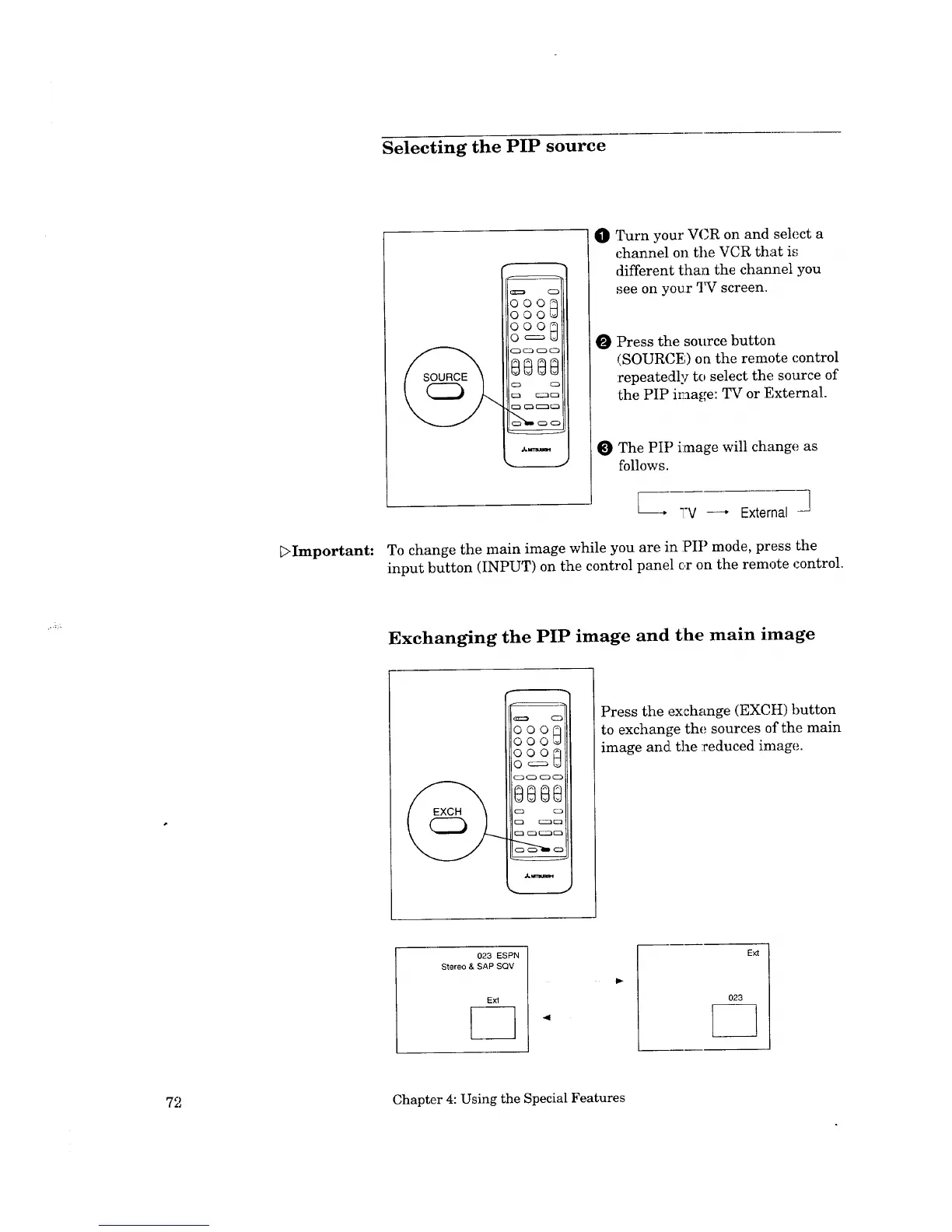
O Turn your VCR on and select a
channel o11the VCR that is
different thin.1 the channel you
see on your 2_ screen.
O Press the source button
(SOURCE) oa the remote control
repeatedly to select the source of
the PIP image: TV or External.
The PIP image will change as
follows.
---* TV--, External -]
To change the main image while you are in PIP mode, press the
input button (INPUT) on the control panel or on the remote control.
Exchanging the PIP image and t:he main image
ooo@
ooo_
ooo_
©c=_U
8888
Press the exchange (EXCH) button
to exchange the sources of the main
image and the :reduced in:age.
023 ESPN
Stereo & SAP SQV
41
ffxt
72 Chapter 4: Using the Special Features



 To Next Page
 Loading...