EasyManua.ls Logo

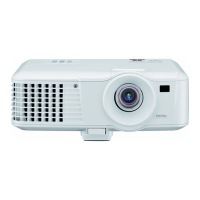
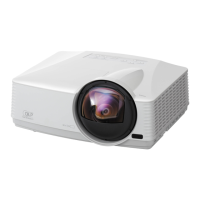
Mitsubishi EX220U - User Manual

Mitsubishi EX220U
48 pages
Print Icon
To Next Page IconTo Next Page
Loading...
ENGLISH
DLP™ PROJECTOR
MODEL
EX220U
User Manual
EX220U
This User Manual is important to you.
Please read it before using your projector.

Questions and Answers

  • K
    Kimberly ThompsonAug 11, 2025
    How to fix a Mitsubishi EX220U that does not turn on?
    • J
      Jillian JohnsonAug 11, 2025
      If your Mitsubishi Projector does not turn on, make sure the power cord is correctly plugged into both the AC inlet on the projector and a functioning power outlet. If the outlet has a switch, ensure it is turned on. Also, the projector may be in the cooling down process. If so, wait until it finishes before attempting to turn it on again.
  • A
    Anthony NavarroAug 21, 2025
    What to do if my Mitsubishi EX220U Projector has no picture?
    • S
      sawyerjoshuaAug 21, 2025
      If your Mitsubishi Projector displays no picture, first ensure that the video source is on and the signal cable is correctly connected. Check that the projector is correctly connected to the input signal device and that the correct input signal is selected using the SOURCE key on the projector or remote. Also, make sure that the lens cover is open.
  • B
    Brandon WilliamsAug 31, 2025
    What to do if the Mitsubishi EX220U Projector remote control does not work?
    • L
      Louis MillerAug 31, 2025
      If the remote control for your Mitsubishi Projector isn't working, first replace the battery with a new one. If that doesn't work, check for any obstacles between the remote and the projector and remove them. Also, make sure you are within 8 meters (26 feet) of the projector.

Mitsubishi EX220U Specifications

General IconGeneral
Native Resolution1024 x 768 (XGA)
Contrast Ratio2000:1
Display TypeDLP
Brightness2200 lumens
Input ConnectorsHDMI, VGA, USB, Composite Video, S-Video
Lamp Life5000 hours (Normal mode), 10000 hours (Eco mode)
Projection Distance1.5 - 10 m

Related product manuals