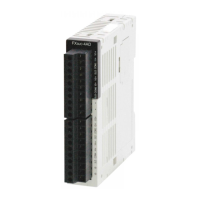
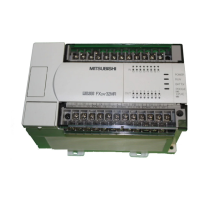
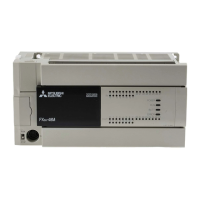
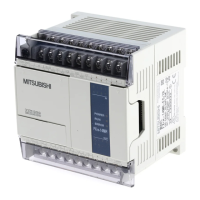
Use the manual Beichen Automation BCNET-FX-S Ethernet communication processor
Network connection.
If your computer has a wireless card enabled, disable the wireless card (which
sometimes affects the communication of the cable card) .
Set the IP of your computer's local network card to 192.168.1.100. As shown
below:
Run Internet Explorer on your computer and type: 192.168.1.188 in the address bar
(this is BCNET-FX-S
And then press enter, the browser should be able to display BCNet-FX-S internal
Web pages.
The login page looks like this:
The first page will display after login, as shown in the following figure:

 To Next Page
 Loading...