Use the manual Beichen Automation BCNET-FX-S Ethernet communication processor
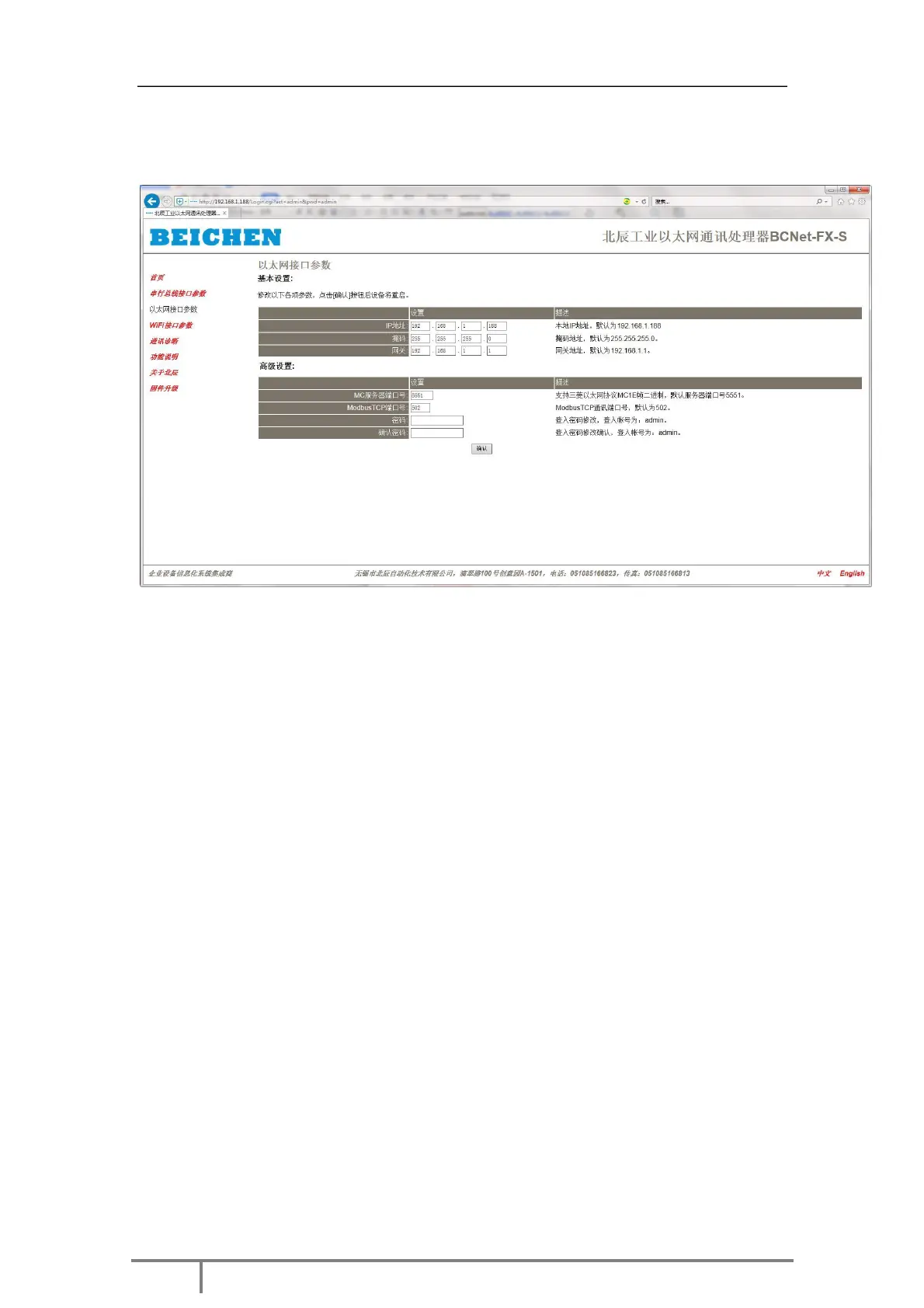
3.2.2 Ethernet interface parameters
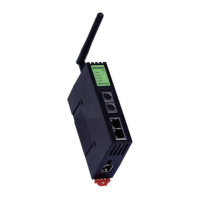
Basic settings: Set BCNET-FX-S IP address, mask and gateway;
MC Server Port Number: Defaults to 5551, which is used for MCTCP protocol communication and GX
WORK2, GX Developer
Programming software used for programming.
MODBUSTCP port number: defaults to 502, which is used for MODBUSTCP protocol
communication.
Change password, confirm password: change the web page login password.
When you change the above parameters, click the [ confirm ] button. BCNET-FX-S
will reset and restart. Please go back to the address bar
Retype the new IP address to refresh the home page and see if the Ethernet
interface parameter settings are valid.


 To Next Page
 Loading...