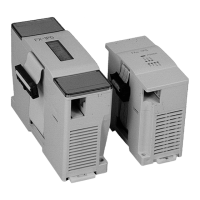
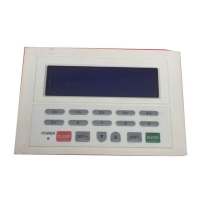
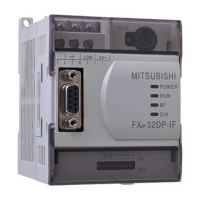
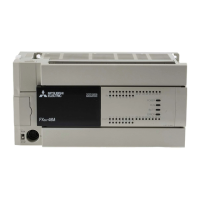
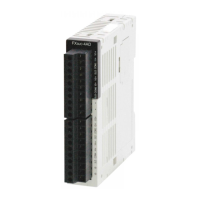
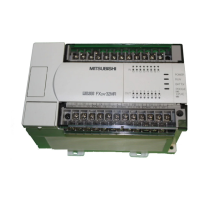
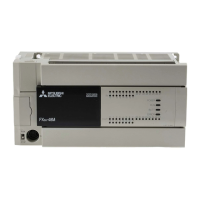
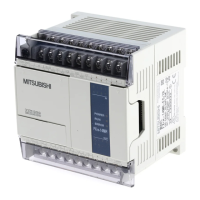
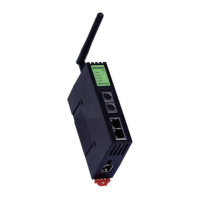
Use the manual Beichen Automation BCNET-FX-S Ethernet communication processor
Click scan current hot spot, wait for the scan to complete, select the hot spot
to connect, type the connection password, click select the hot spot;
After you perform the previous step, the hotspot name to connect, hotspot
password to connect, and hotspot authentication method are automatically
populated, the IP address, subnet mask, and gateway address are configured in
module Station mode if“Auto-fetch.”
IP address is set to on, module Station will get IP address from hotspot DHCP, if auto get IP address

 To Next Page
 Loading...