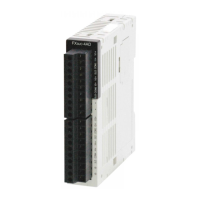
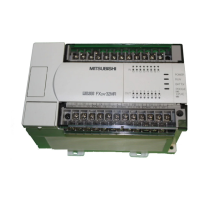
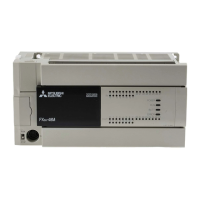
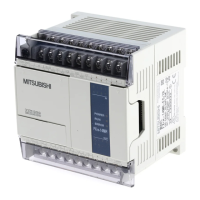
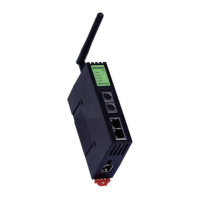
Use the manual Beichen Automation BCNET-FX-S Ethernet communication processor
4.1.2station application
1. After the module is properly connected to the AP hotspot, make sure that the computer and the
module are in the same AP hotspot or LAN; run at this time
BCDEVICE searches;
As shown, searching for the same device will display (LAN) and (WiFi) two
network interfaces, (WiFi) as a module
In Station mode, after connecting AP Hot Spots, the IP address obtained can be operated on to realize data
acquisition
PLC programming and data exchange;
Typical applications in Station mode;
Communication test with BCDEVICE


 To Next Page
 Loading...