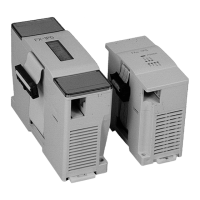
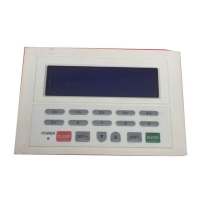
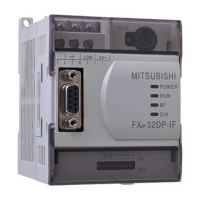
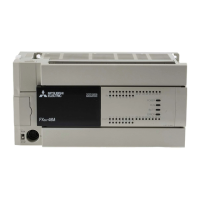
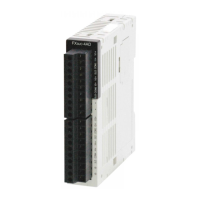
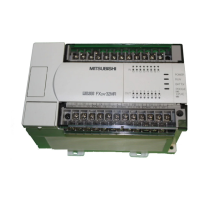
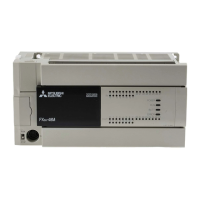
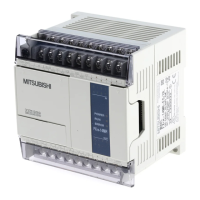
Use the manual Beichen Automation BCNET-FX-S Ethernet communication processor
GX Work2 goes through“EthernetBoard”> > “PLC Module” and fills in the IP address of the
Module when it is doing a Station
“192.168.1.135”, click“Communication test” to prompt“Successfully connected to
FX3G/FX3GCCPU”.
Configuration software connection
configuration Software Connection please refer to the specific“5.SCADA
communication”, the corresponding configuration software to connect the device IP
address, fill in
Write the module as the IP address of the Station;
4.2AP (modules as hotspots)
BCNET-FX-S as an AP hotspot can be WiFi client (Station) connection, suitable for wireless point-to-
point
Single Point Communication, Temporary PLC wireless programming.
4.2.1AP functional configuration
1. Run“BCDevice” tool, as shown below to search the module, and enter the modified device
parameters interface;

 To Next Page
 Loading...