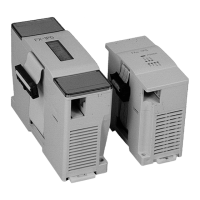
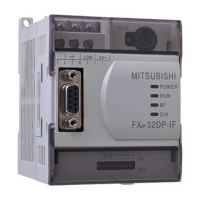
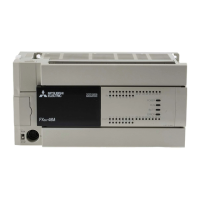
Use the manual Beichen Automation BCNET-FX-S Ethernet communication processor
5. SCADA communications
BCNET-FX-S supports the vast majority of SCADA software in the industrial control field (PC monitoring
configuration software) through Mitsubishi to
Ethernet protocol connection.
5.1 BCNet-FX-S connection programming software
BCNET-FX-S support Mitsubishi Programming Software GX Works2 through the Ethernet FX series
of PLC Program
Download and monitor functions. There are three ways to use GX Works2 programming
software, as follows:
The first method is suitable for FX3G/3GC, FX3S, FX3U/3UC;
The second method is suitable for FX1N/1NC, FX2N/2NC, FX1S, FX3G/3GC, FX3S,
FX3U/3UC;
Method 3: apply to FX3U/3UC.
5.1.1 is suitable for FX3G/3GC, FX3S, FX3U/3UC
FX3G/3GC, FX3S, FX3U/FX3UC these 3 series of FX, this time through BCNET-FX-S
Implementation of GX Works2 Ethernet connection FX3UC as an example of the use of
steps:
1. Create a new FX3U/FX3UC project and double-click the Connection target in the navigation
bar: Connection.


 To Next Page
 Loading...