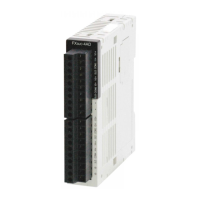
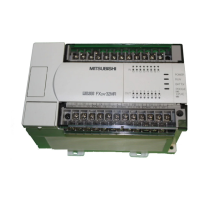
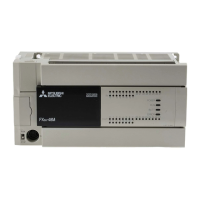
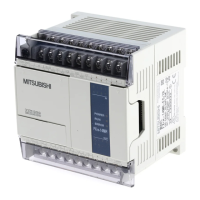
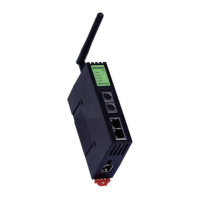
Use the manual Beichen Automation BCNET-FX-S Ethernet communication processor
3. In the settings that pop up later, click“Search for FXCPU (S) on the network” and it will search
for BCNET-FX-S
The connected FX3UC. Click on the label in the diagram to select the last click to
confirm;
Four. Select the IP address in the above, click on the“Communication Test”, you can prompt and
FX3UCCPU connection success.

 To Next Page
 Loading...