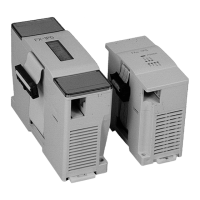
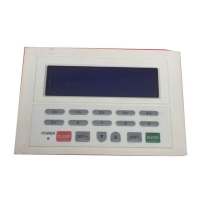
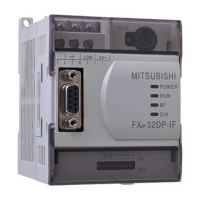
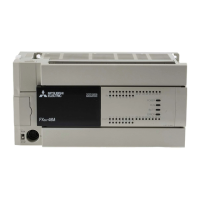
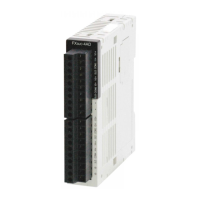
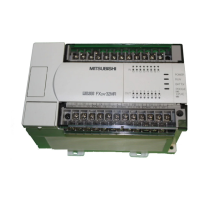
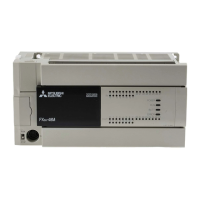
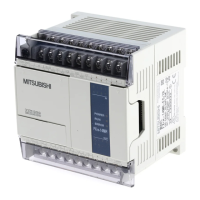
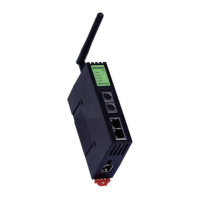
Use the manual Beichen Automation BCNET-FX-S Ethernet communication processor
1. Create a new FX3U/FX3UC project and double-click the Connection target in the navigation
bar: Connection.
2. After popping out of the palette, select the“Ethernet board” option on the computer side and
then click yes in the reminder
On the programmable controller side, double-click“Ethernet module”;
3. In the subsequent pop-up settings, enter the BCNET-FX-S IP address in the IP address bar and
click“Confirm”;

 To Next Page
 Loading...