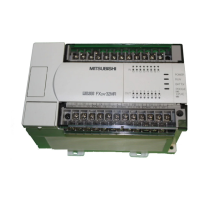
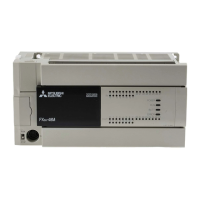
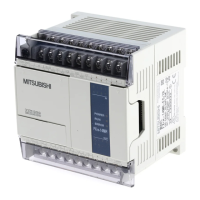
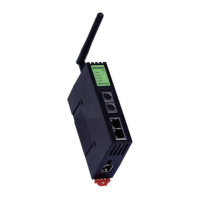
Use the manual Beichen Automation BCNET-FX-S Ethernet communication processor
5.2bcnet-fx-s connection kingview
1. Build new projects and open them.
2. Click“COM1”, select“New”, select“FX3U” in the dialog box that pops up, click“Under”
One Step”.
3. Enter the logical name of the device and click“Next”.
Forty-eight


 To Next Page
 Loading...